
 Tracy Jackson15 yrs in online marketing
Laser vs Inkjet Cost Per Page for Office: Which One Saves You More?
Table of Contents
Choosing the right printer for your office isn’t as simple as picking the cheapest model on the shelf. While inkjet printers might seem appealing because of their low upfront cost and vibrant color output, laser printers often save money in the long run by printing more pages for less.
Understanding the true cost per page—and how that fits with your office’s needs—can make a big difference in keeping your budget on track without sacrificing productivity or performance.
Let’s break down how laser and inkjet printers really stack up when it comes to what you’ll be spending each time you hit print.
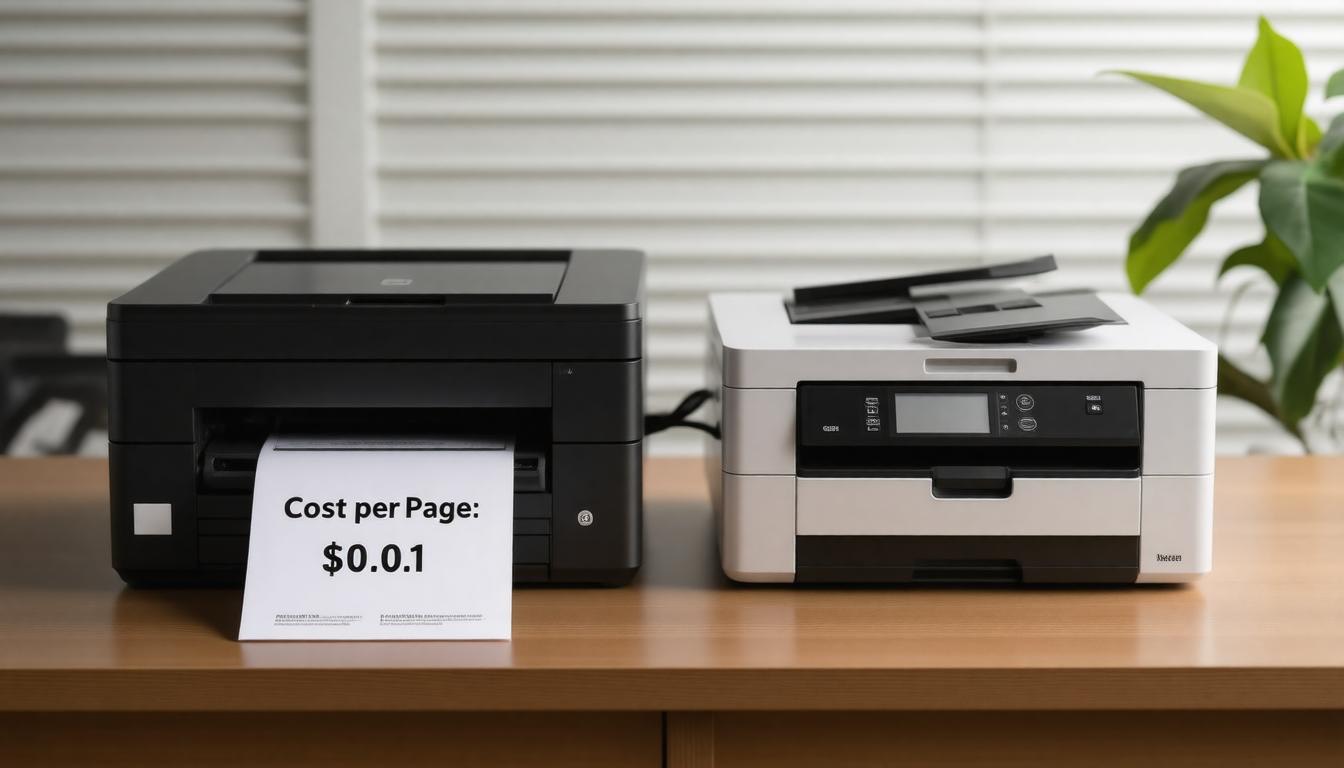
Laser printers generally offer a significantly lower cost per page than inkjet printers in an office environment, with black-and-white laser printing often costing under 5 cents per page versus 5 to 25 cents for inkjet. This savings results from laser toner cartridges producing thousands of pages before replacement, making lasers more economical and efficient for higher-volume office printing needs. Their superior performance, in terms of speed and reliability, further enhances their appeal for businesses looking to optimize output.
Laser vs Inkjet Cost Per Page for Office
When weighing which printer makes the most financial sense, it’s natural to first look at the upfront price. Inkjet printers generally come with a lower sticker price, making them tempting for offices on a budget. Many popular models hover under $200, giving an accessible entry point.
Laser printers, on the other hand, tend to start around that same price point but quickly climb if you require added features or higher-volume capabilities.
However, what truly influences ongoing expenses—and arguably, real savings—is the cost of consumables and how long they last. Laser printer toner cartridges typically have a much higher page yield.
Some can print over 4,000 pages before replacement is needed. This contrasts sharply with inkjet cartridges that may only manage 160 to 400 pages before running dry.
Ink cartridges are also notorious for drying up if unused, compelling more frequent replacements even when printing volume is low. This leads to hidden costs that often catch buyers off guard.
We must consider the per-page cost over time rather than simply focusing on initial expense. Although toners run pricier—anywhere from $75 to $100 per cartridge—their pages-per-dollar ratio ends up being substantially better for high volume printing.
Indeed, their per-page cost can be as low as two or three cents for monochrome prints, which is ideal for maintaining efficient office performance. Meanwhile, inkjets usually charge ten to twenty cents a page, especially when printing in color, due to smaller ink volumes and faster depletion.
The difference isn’t just economical; it’s practical too.
For offices with heavy black-and-white print demand—think reports, invoices, drafts—a laser printer’s speed and efficiency shine. Greater output speed combined with lower toner costs lowers both direct expenses and indirect costs like time spent waiting for print jobs.
Conversely, if your work requires vivid color presentations or photographs and multifunction capabilities such as scanning or faxing integrated into a single device, inkjets still hold appeal despite slower speeds and higher per-page costs.
| Aspect | Laser Printer | Inkjet Printer |
|---|---|---|
| Initial Cost | Higher (starts near $200+, varies) | Lower (often below $200) |
| Consumable Cost | Toner: $75-$100 per cartridge | Ink: $20-$50 per cartridge |
| Page Yield per Cartridge | High (4,000+ pages for monochrome) | Low (160–400 pages typically) |
| Cost Per Page | Low (2-5 cents black & white) | High (10-20 cents depending on color) |
| Speed | Fast (up to 30 ppm for home/small office) | Slower (5-10 ppm standard) |
| Multifunction Features | Usually limited to printing only | Often includes scan, copy, fax options |
This table underlines why choosing a printer is less about single numbers and more about matching technology to workflow demands. High-volume users save significant sums over time by investing a little more initially in a laser printer with efficient toner use.
Those prioritizing photo-quality color prints or multifunctionality might find inkjets more suitable but should be prepared for increased refill frequency and higher ongoing costs.
Keeping an eye on the overall performance of each type can guide you to the best choice for your needs.
Besides cost and function, let’s not overlook how printer maintenance habits also affect overall savings and have a broader impact on the economy.
For instance, infrequent inkjet users may see cartridges dry out prematurely—wasting money on fresh replacements that might never get used entirely.
Laser printers do not suffer from this issue as toner remains stable over long periods without use. This stability can lead to more efficient resource utilization, contributing positively to the economy by reducing waste.
Hence, offices with sporadic print needs gain an advantage with laser technology preserving consumables longer. This efficient usage not only lowers individual expenses but also aligns with broader economic trends favoring sustainability and cost-effectiveness.
Our advice is clear: consider your printing volume and color necessity first before making a choice focused solely on upfront price.
Evaluating total cost of ownership—including cartridge prices, how often you’ll actually print, and desired print quality—ensures we invest thoughtfully in equipment that truly saves us money while supporting daily productivity and contributing to a healthier economy.
Understanding these nuances about ongoing costs prepares you well for the next important financial factor: how the initial purchase price shapes your printing investment decisions moving forward.
Initial Purchase Price Factors
When considering the cost of a new printer, it’s easy to fixate solely on the sticker price. Inkjet printers often appeal first because their entry-level models can be snagged for under $100, making them attractive for small offices or personal use with tight budgets.
However, this immediate saving doesn’t always tell the whole story. The real value lies in what that initial investment delivers in terms of economy efficiency.
Laser printers generally start around $200 and climb quickly for feature-rich models designed for heavy-duty use. This may seem like a steep upfront cost, but you’re paying for durability.
These units have sturdier components suited to higher print volumes without quick wear and tear.
They also offer faster printing speeds and larger paper trays—benefits that translate into higher productivity and less downtime. For businesses where time equals money, these features offset the initial expense and contribute positively to the economy at a larger scale.
Another key price factor is multifunction capabilities. Many laser models integrate printing, scanning, copying, and faxing into one device. While these features add $50 to $150 to the price, they often reduce costs by eliminating the need for multiple machines.
Inkjets also offer all-in-one options but usually with fewer enterprise-grade features at lower prices.
This consolidation of functions into a single device can lead to resource savings that benefit the economy by reducing manufacturing demand for multiple devices.
Between 2024 and 2026, laser printer prices dropped about 10% due to manufacturing advances and competition, while inkjet prices remained relatively stable. Despite this dip, laser printers still command a 20% to 50% premium over comparable inkjets depending on brand and features.
These shifts in pricing trends reflect broader economic influences where technological advancements lead to cost reductions, illustrating how the economy benefits from innovation.
It’s crucial to remember that higher initial costs for lasers often mean longer device lifespans with less maintenance. Users report quality laser printers lasting over a decade with minimal upkeep when paired with suitable toner cartridges.
In contrast, inkjets may require replacing multiple cartridges annually due to faster ink depletion and drying if left unused. This durability reduces the frequency of replacements and aligns with economic principles favoring long-term investments over short-term savings.
When deciding what fits your budget, consider printing frequency, typical document types, and how much you value speed and volume capacity.
Choosing isn’t just about the cheapest machine; it’s about selecting the one that efficiently supports your workflow without surprise costs later, contributing to the stability of your personal budget and the broader economy.
Understanding initial investments sets the stage for examining ongoing expenses—specifically how cartridge and toner consumption shape the true cost of printing over time, and ultimately, how these costs influence economic trends and sustainability efforts.
Cartridge and Toner Costs Breakdown
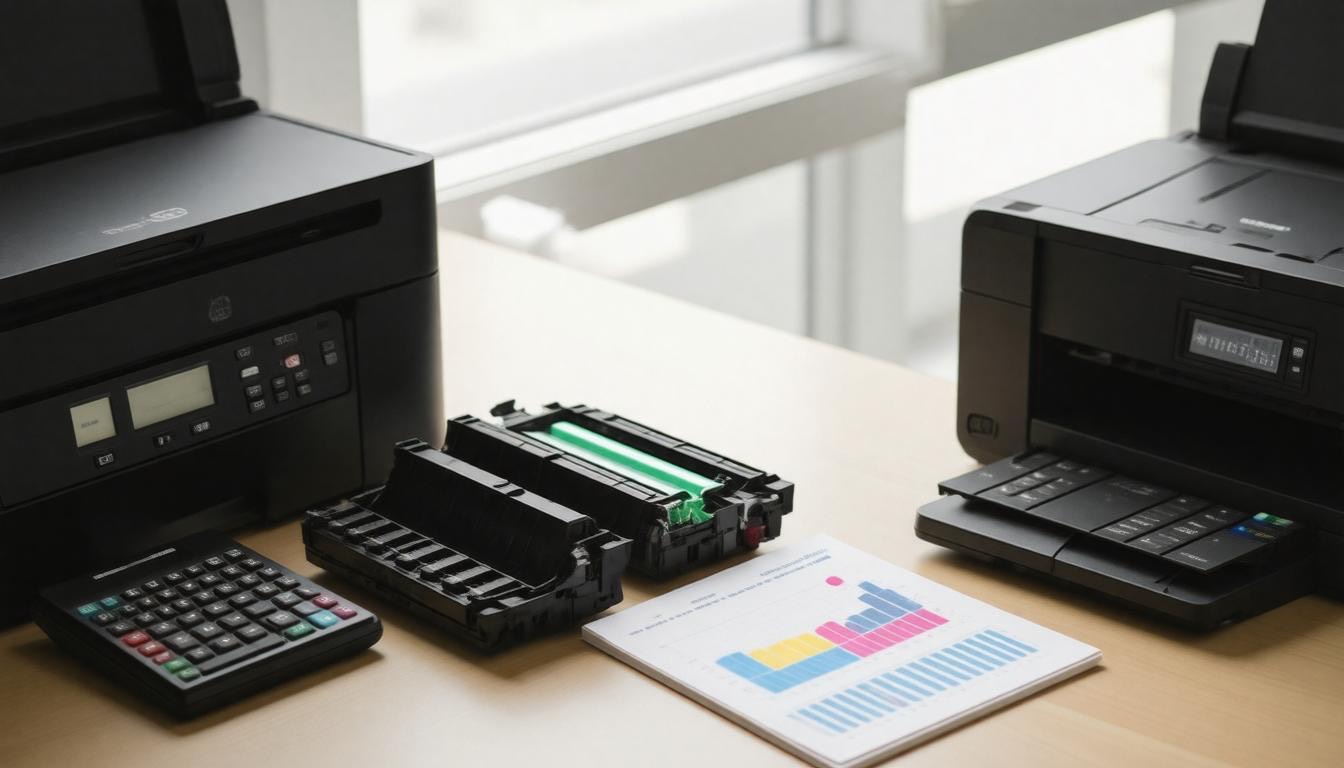
When it comes to ongoing printer expenses, cartridge replacement often dictates the true cost of ownership much more than the initial machine price. Ink cartridges for inkjet printers tend to have lower page yields—typically printing between 200 to 500 pages before needing replacement.
This means offices that print frequently or with color-heavy documents can go through cartridges quickly, sometimes spending upwards of $25 per cartridge. The operation of replacing these cartridges becomes a routine cost that impacts the overall budget.
Compared to laser printers, this rapid turnover makes an inkjet less cost-effective for high-volume usage.
Laser printers use toner cartridges designed for high volume output, with yields typically ranging from 2,000 to 5,000 pages per cartridge—and in some cases, far beyond those numbers.
Although a single toner cartridge might command a higher upfront cost—sometimes around $80—its ability to produce thousands more pages drastically lowers the cost per page, optimizing the cost-efficiency of the operation.
For example, brands like Ricoh and Konica Minolta offer toners with yields stretching to 27,000 pages, leading to impressively low per-page costs as little as a fraction of a cent.
This difference often makes a laser printer a smarter financial choice in bustling office environments, where operational costs are closely monitored.
It’s important to navigate the trade-off between initial cartridge cost and long-term value. While some companies find savings using third-party or refilled cartridges, these options risk voiding warranties or yielding variable print quality.
Many businesses weigh this against the reliability and guarantee offered by OEM (Original Equipment Manufacturer) supplies despite their higher sticker prices.
| Brand / Printer | Typical Cartridge Cost | Approximate Yield (Pages) | Cost Per Page Estimate |
|---|---|---|---|
| HP Inkjet Cartridge | $25 | 300 | Around 8 cents |
| Brother Toner | $34 – $54 | 2,200 – 6,500 | 0.8 – 2 cents |
| Ricoh Toner | $35 – $51 | Up to 36,000 | Roughly 0.2 cents |
| Konica Minolta Bizhub | $41 | Up to 27,000 | As low as 0.1 cents |
| Canon Toner | $32 | About 10,000 | Around 0.3 cents |
What emerges clearly is how higher-yield cartridges, despite demanding larger upfront payments, pay off handsomely over time by slashing the cost per page.
This turns out to be especially true in busy offices where volume printing is a daily routine, turning the entire printing operation into a more efficient process.
To put this into perspective: in an office printing thousands of pages a month, selecting a laser printer brand with known efficient toners can reduce operational expenses substantially compared to replacing inkjet cartridges multiple times weekly.
The benefit compounds as office demand scales up, enhancing the efficiency of printer operations.
“The cost per page is rarely just about toner price—it’s about lifetime yield and consistent print quality.”
Having unpacked this critical piece of printing economics, we can next explore how these cost factors converge with productivity measures to truly determine which printer suits your office best.
Productivity and Efficiency Metrics
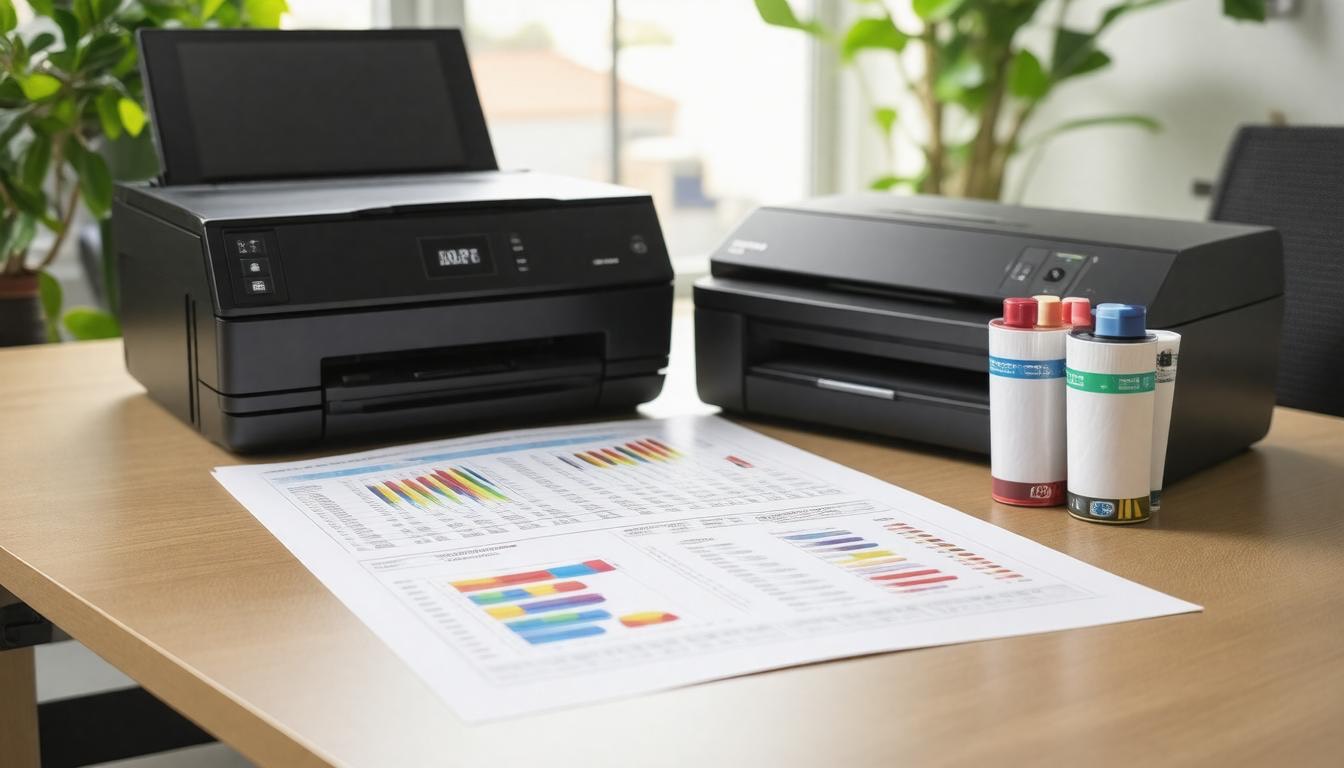
In an office setting, speed and reliability in printing make all the difference in daily operations. Laser printers consistently outperform inkjets in this arena due to their ability to churn out pages at much faster rates.
While an inkjet produces about 5 to 20 pages per minute, a laser printer often doubles or even triples that output, with high-end models pushing beyond 50 pages per minute.
This isn’t just a matter of convenience—it translates directly into time saved for employees waiting on critical documents or bulk print jobs.
However, speed alone doesn’t tell the full story. We also need to consider the monthly duty cycle, which measures how many pages a printer can reliably produce each month without wearing down prematurely.
Laser printers typically boast much higher monthly duty cycles—some reaching as high as 100,000 pages—making them appropriate for demanding office environments where frequent printing is the norm, optimizing the overall operation of the office infrastructure.
In contrast, inkjet printers usually support far lower thresholds, reinforcing their suitability for smaller workloads and casual use.
They also excel in color printing, making them ideal for tasks that require vibrant visuals and detailed graphics.
When evaluating productivity, these two metrics—print speed and duty cycle—work hand in hand to define a printer’s real-world efficiency. Faster machines doing heavy workloads not only increase throughput but minimize downtime caused by maintenance and repairs.
This ensures a smoother workflow that’s essential when deadlines loom or multiple users share one device.
Beyond sheer output and workload capacity, we must also weigh how maintenance needs influence productivity over time.
Laser printers benefit from more durable components designed for continuous use, which means fewer interruptions for repairs or replacement parts. Toner cartridges last longer than inkjet cartridges primarily because they contain powder instead of liquid ink, eliminating issues like clogged printheads—a common annoyance with inkjets.
This durability extends the printer’s longevity and sustains its efficiency across years of use, especially in busy office environments where color printing may also be performed more efficiently with laser technology due to reduced drying times.
Moreover, laser printers’ rapid warm-up times and immediate first-page prints help reduce delays that can add up during repetitive tasks.
Inkjet printers often take longer to start printing due to their fusing process, impacting overall turnaround when handling numerous jobs, especially those involving high-quality color printing.
“In practice, investing in laser technology pays dividends by keeping teams productive and minimizing disruptions linked to slower printing speeds or maintenance hiccups.”
That said, we must balance these advantages against upfront costs and space constraints typical in smaller offices where inkjets might still hold sway due to their compact size and lower initial investment, particularly when high-resolution color printing is a priority.
To optimize overall productivity, it’s wise to align your choice with your volume demands: heavy daily print needs call for laser models built to handle intense workloads efficiently, while light usage fits well with inkjet systems focused on color quality rather than speed and volume.
| Metric | Inkjet Printers | Laser Printers |
|---|---|---|
| Print Speed (ppm) | 5 – 20 | 20 – 40 (up to 50+ high-end) |
| Monthly Duty Cycle | Under 5,000 pages | Up to 100,000 pages |
| Cartridge Longevity | Frequent replacements | Long-lasting toner cartridges |
| Warm-up Time | Longer | Shorter |
| Maintenance Needs | Regular printhead cleaning required | Minimal maintenance |
Having closely examined productivity factors that affect office efficiency, we now turn our attention toward the lasting effects of upkeep requirements and device lifespan on overall printer value.
Maintenance and Longevity
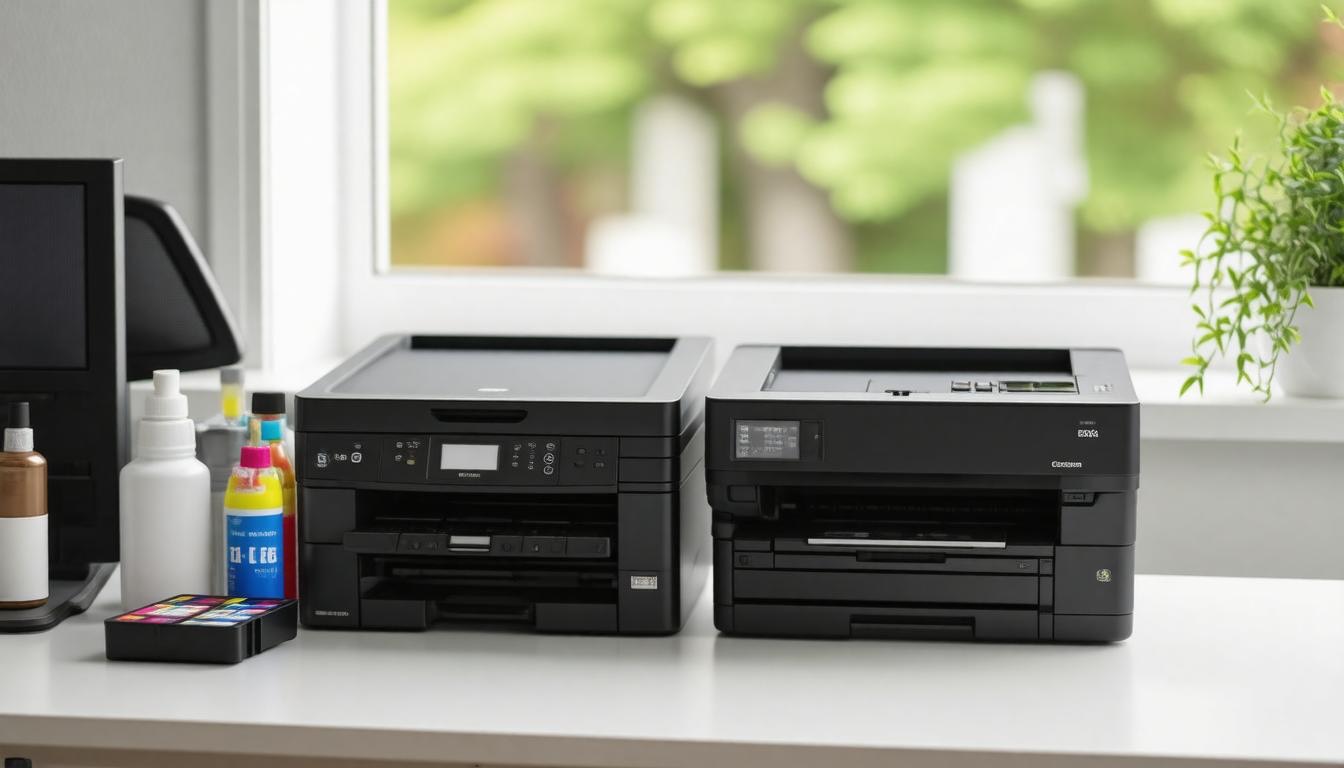
When we think about choosing a printer for our office, the conversation often revolves around upfront cost or speed. Yet, maintenance and lifespan quietly shape the real picture of how much a printer will cost us over time.
Laser printers stand out for their robust construction, which naturally lends itself to greater durability and less frequent maintenance.
Unlike inkjets, where dried ink can gum up nozzles if left unused, laser printers don’t encounter this problem, making them especially suited for offices with intermittent print demands and frequent color printing tasks.
Over the usual lifespan of five to seven years, most laser printers ask little more than a toner cartridge replacement at regular intervals. However, some internal parts such as the drum unit or pickup rollers do wear out and need occasional servicing or replacement.
This type of maintenance generally isn’t required often; when it does occur, service costs may hover between $100 and $200—but thankfully those visits tend to be rare.
With sensible use and timely upkeep, laser printers can provide years of hassle-free service without significant downtime.
On the other hand, inkjet printers require a different kind of care routine. Because they rely on liquid inks sprayed through microscopic nozzles, these components are prone to drying out, clogging, or misfiring if the printer is idle for too long.
This means regular cleaning cycles, whether initiated manually or through built-in automated processes, are an unavoidable part of inkjet upkeep. These cleaning sessions consume ink unnecessarily and gradually add to operational expenses.
Furthermore, the printheads—critical to jetting fine droplets—can need replacement within one or two years depending on usage intensity.
From an office perspective, laser technology’s ability to remain ready at any moment without pre-print warm-ups or extensive cleaning offers a tangible advantage. It reduces unproductive waiting times and minimizes surprise breakdowns.
The convenience factor here is often underrated but impacts daily workflow significantly.
Conversely, while inkjets shine with photo-realistic color capabilities and multifunctional features like scanning and faxing, their mechanical fragility means they may require closer attention and potentially shorten overall operational life if neglected.
| Printer Type | Maintenance Frequency | Typical Lifespan | Cost of Major Repairs | Susceptibility to Downtime |
|---|---|---|---|---|
| Laser | Toner changes every few thousand pages; drum/roller replacement rarely | 5-7 years (often longer) | $100-$200 per service | Low |
| Inkjet | Frequent nozzle cleanings; printhead replacement every 1-2 years | 3-4 years | Moderate (varies by model) | Higher due to clogs |
To maximize longevity regardless of choice, maintaining a consistent printing routine helps prevent issues. For inkjets, this might mean scheduling brief prints several times weekly to keep ink flowing smoothly.
For lasers, keeping firmware updated and promptly replacing worn parts extends lifespan and preserves print quality.
Ultimately, the maintenance profile aligns closely with how we intend to use the printer day-to-day. A high-volume office that prints mostly black-and-white documents with bursts of activity benefits immensely from laser’s ruggedness and low upkeep demands.
Meanwhile, a small marketing firm desiring top-notch color graphics might accept more frequent interventions for inkjets as a tradeoff for richer output.
With these practical insights into maintenance costs and longevity established, assessing how different printers perform in everyday office scenarios provides the next crucial layer of understanding.
Realistic Office Applications
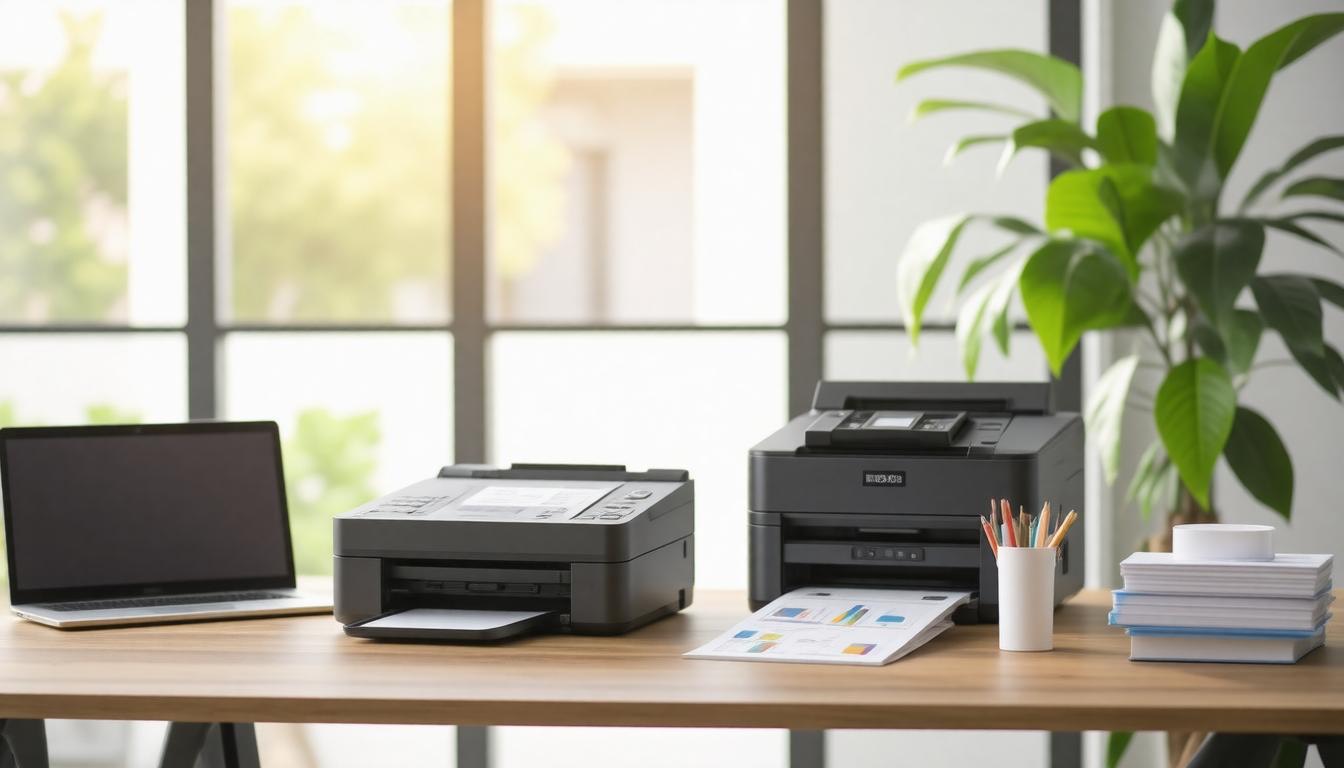
When we talk about choosing between laser and inkjet printers for an office, the reality is that no one-size-fits-all answer exists.
The type of documents you print daily, the volume, and the quality expectations all shape which technology will bring you the best value over time. It’s not just about cost per page on paper; it’s about fitting your printer to your workflow and business goals.
In smaller offices or home-based businesses where print volumes are modest, inkjets often look appealing initially because their purchase price is lower and they produce vibrant colors, especially for client presentations or marketing materials.
But this convenience comes with caveats: ink cartridges run out faster and can dry up if left unused, which means ***ongoing replacement costs can quickly add up***, eroding the initial savings.
That’s why, for lower volume users who print mostly in color but sporadically, choosing an inkjet with refillable tanks or high-capacity cartridges can mitigate some of these downsides.
On the flip side, larger corporations with heavy text printing needs will usually find laser printers a more cost-effective workhorse. Thanks to their higher page yields—sometimes ten times that of inkjets—and robust build quality, lasers deliver ***consistent output without frequent interruptions*** for cartridge changes.
Their fast print speeds also help keep workflows smooth when dozens of employees send jobs simultaneously. Though upfront expenses are higher, this investment plays out well across thousands of pages by driving down the ***effective cost per page to mere cents***.
For creative agencies or departments that require vivid color accuracy and photo-quality prints, inkjets remain the preferred choice despite higher running costs.
The richness of inkjet colors suits brochures, detailed flyers, and proofs far better than most laser models.
That said, we must weigh that against speed and longevity; many inkjets aren’t designed for sustained heavy printing and may demand more maintenance to avoid drying or clogging issues compared to lasers.
- Small Offices: Prioritize low initial costs and color quality, but plan carefully for cartridge expenses and potential downtime due to printer inactivity.
- Large Corporates: Require durability and low cost per page with rapid output; ideal candidates for monochrome lasers or high-volume color lasers if necessary.
- Creative Agencies: Focus on superior color handling and print fidelity, accepting trade-offs in speed and toner/ink costs inherent in inkjet technology.
With all these factors at play, ***our key takeaway is this***: the best printer choice aligns not only with your desired cost per page but also with your specific document types, print frequency, and growth plans—real office application drives true value.
Understanding how your office printing needs translate into real costs beyond sticker prices empowers smarter decisions that save money over time without sacrificing quality or efficiency.

Recent Posts
Monday.com Review 2026: Is It Still the Best Work OS?
I tested Monday.com against ClickUp, Asana, and Wr...
Updated July 27, 2026
AI Writing Software for Blogging in 2026: Best Tools + How to Stay AI-Search Vis...
The best AI writing software for blogging in 2026 ...
Updated July 20, 2026
HubSpot Review 2026: Is It Worth the Cost?
I tested HubSpot’s free CRM, Starter, and Pr...
Updated July 20, 2026
Teamwork.com Review 2026: Is It the Best PM Tool for Client Work?
I tested Teamwork.com for agency and client projec...
Updated May 29, 2026
Wrike Review 2026: Is It Worth the Cost?
I tested Wrike in real enterprise workflows. Here&...
Updated May 29, 2026
Asana Review 2026: Is It Worth It? (Honest, In-Depth Analysis)
I tested Asana across real team workflows. Here...
Updated May 29, 2026
Newsletter
Don't miss a thing!
Sign up to receive daily news