


Updated March 31, 2026
Asana Alternatives for Small Teams: Best Project Management Tools in 2026
Table of Contents
Choosing the right project management tool can feel like navigating a maze, especially for small teams or startups juggling limited time and tight budgets. The landscape in 2026 has evolved, and while Asana is popular, it might not fit every team’s unique style or needs.
That’s why we explored some of the best alternatives out there—tools that make managing tasks easier without adding extra headaches. We looked for options that balance simplicity with smart features, including project management software that integrates automations, so your team can stay on track and actually enjoy getting work done.
The best Asana alternatives for small teams and startups in 2026 include Linear.app, ClickUp, and Teamhood, each offering intuitive interfaces, multiple task views (list, board, calendar), and low administrative overhead.
These tools balance simplicity with essential functionality, support affordable pricing tiers suitable for small or non-profit teams, and enable easy onboarding without overwhelming complexity.
Importantly, these solutions often include automations that streamline repetitive tasks, allowing teams to focus on creative problem-solving rather than administrative burdens.
Disclaimer: If you buy something using the links in this article, I may receive a commission at no extra cost to you.
Know that I only promote stuff that I use and trust for the sake of my readers and the reputation of this site.

Our Top Asana Alternatives For Small Teams
When choosing project management tools for small teams, simplicity and adaptability are the keys. Teams need tools that don’t just add complexity but actually streamline their workflows. One standout is Linear.app, particularly appealing to software development teams.
It focuses on efficient issue tracking with minimal distractions. Linear’s real charm lies in how it integrates directly with GitHub, providing developers a seamless bridge between project tasks and code repositories. This integration reduces the back-and-forth typical of disconnected systems, helping teams stay lean and focused on what truly matters: getting features out and bugs fixed.
On the other side of versatility, Notion offers something different—a unified workspace blending note-taking, task management, and project tracking. Many small teams face the challenge of juggling multiple tools; Notion simplifies this by letting you build customized workflows. Its drag-and-drop interface feels intuitive, even to non-technical team members, which lowers the barrier to adoption.
We’ve found that this flexibility supports rapidly evolving projects without forcing teams into rigid structures. Additionally, its customizable project management software capabilities mean that teams can set up automations to handle routine tasks effortlessly.
Then there is Teamhood, a tool that shines when onboarding speed and ease-of-use matter most. Jennifer’s experience at a non-profit underscores how quickly switching between Kanban boards and timeline views can improve visibility across multiple projects without hiccups.
For small teams managing diverse activities—from fundraising campaigns to event planning—this kind of adaptability keeps projects moving smoothly without overwhelming users with features they won’t use. Automated workflows in Teamhood further enhance project efficiency by minimizing manual input and task repetition.
Beyond these leaders lie other solid contenders like Trello, which still excels at simplicity through its card and board system. Despite newer entrants, Trello remains a favorite for teams who want to get started quickly without a steep learning curve. It proves that sometimes less really is more when it comes to effective project management. With project management software like Trello, teams often implement simple automations to optimize workflow without unnecessary complexity.
The common thread through all these tools is alignment with team workflows rather than expecting teams to adjust themselves around overly complex platforms. Small teams should avoid overcomplicated tools that offer more features than necessary because this often results in partial usage or outright abandonment.
Here’s a quick comparison highlighting notable traits:
| Tool | Best For | Key Strengths | Adoption Ease |
|---|---|---|---|
| Linear.app | Agile software teams | Git integration, speed | Moderate |
| Notion | Versatile team workflows | Customizable templates | Easy |
| Teamhood | Multi-project visibility | Kanban + timeline switching | Easy |
| Trello | Simple task tracking | Intuitive board/cards | Very Easy |
As we examine these options, keep in mind your team’s size, workflow complexity, and how flexible your processes are. The best PM tool doesn’t have to be “feature-complete” but rather well-suited to how your team works day-to-day, particularly if your startup benefits from the efficiency of well-placed automations.
Moreover, it pays off to consider future growth—tools like Notion scale well from five people to larger groups, while Linear’s focus on development makes it a long-term partner for software projects specifically. Effective planning in the initial setup and organization of these tools ensures they can accommodate expanding teams seamlessly.
With these leading contenders in mind, let’s turn our attention now to solutions that prioritize simplicity and visualization—tools that make complex projects feel manageable and accessible through visual boards and straightforward interfaces. These tools emphasize the importance of careful planning and setup to ensure organization from the outset.
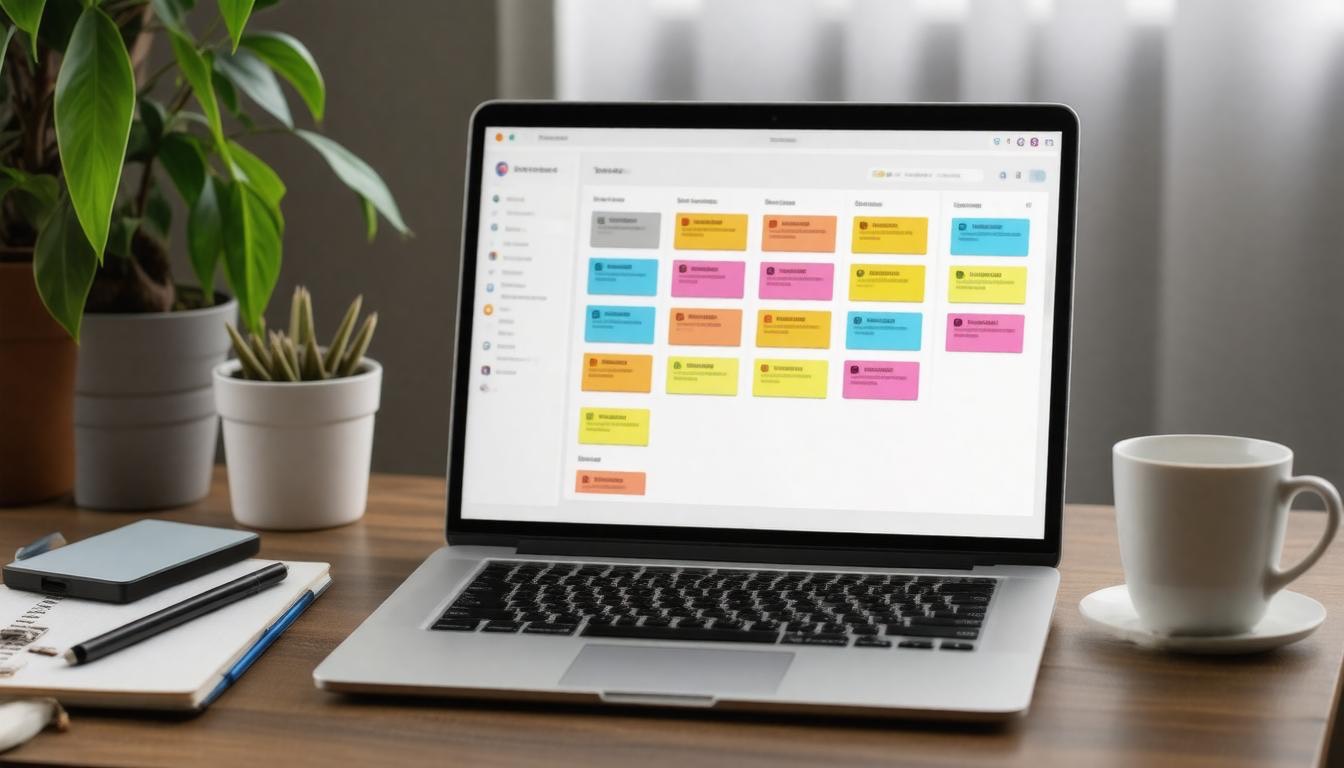
Trello’s signature strength lies in its straightforward, visual approach to organizing work through boards and cards. Instead of overwhelming teams with complicated menus and features, it presents tasks as colorful cards that you can drag and drop across columns representing stages or categories.
This tactile interface appeals especially to teams wanting clarity at a glance — everyone can see what’s on their plate, what’s in progress, and what has been done, without digging through menus or reports. This setup is ideal for efficient organization, allowing teams to focus more on planning and execution than on mastering overly complex systems.
Trello: Simple and Visual Boards
What makes Trello stand out even more is how seamlessly it integrates with tools many small teams already depend on. For instance, syncing your Slack channels directly to Trello boards means conversations about particular tasks don’t get lost in chat threads—they connect right to the relevant work item.
Similarly, embedding files from Google Drive into cards ensures all necessary documents are handy without hopping between apps. This reduces context switching, which we know can erode productivity over time.
The core features that cement Trello’s popularity include:
When we consider who benefits the most from Trello, it becomes clear that it’s those small groups prioritizing simplicity yet craving effective collaboration. Teams overwhelmed by over-engineered platforms will appreciate how Trello strips away noise without sacrificing functionality. Yet, this simplicity doesn’t mean a lack of power; Trello’s ability to integrate widely used apps speaks to its versatility.
- Drag-and-Drop Interface: Moving cards between columns feels natural and encourages flexibility as priorities evolve.
- Customizable Boards and Cards: You’re not locked into rigid templates; instead, you can design boards tailored precisely to your workflow.
- Checklists Within Cards: Breaking tasks into smaller steps directly inside a task card helps track progress precisely.
For small teams eager to begin quickly and maintain focus on actual work rather than mastering a complex tool, Trello offers an ideal blend of usability and adaptability. Its quick onboarding means less time spent training and more time pushing projects forward—something every team values when resources are tight. Effective planning during the initial setup of Trello can enhance its impact on team productivity and organization.
Given these advantages, it’s no surprise that recent updates have enhanced Trello’s Calendar Power-Up, making scheduling even smoother and more reliable for users juggling deadlines within their visual workflows.
Turning our attention now to another powerful player in project management reveals how different platforms optimize workflows in ways tailored to diverse team needs.
Monday.com excels in enabling teams to craft dynamic workflows that adapt precisely to their unique needs. Unlike basic task lists, it lets us build processes that range from straightforward checklists to complex, multi-step projects involving dependencies and conditional triggers. This means our team can handle recurring tasks or intricate project stages without losing track of progress or deadlines.
Monday.com: Workflow Management

One of the remarkable strengths of Monday.com is its ability to connect different aspects of work visually and logically. For example, marketing teams often juggle several campaign phases simultaneously—planning, content creation, approval, launch, analysis—each dependent on the timely completion of the previous step.
Monday.com’s interface makes linking these phases effortless. We don’t just see a list; we see a living flowchart where progress updates ripple through every related task automatically, emphasizing the importance of initial planning and setup to ensure seamless organization.
This level of clarity reduces miscommunication and ensures everyone knows exactly what comes next. By using an integrated dashboard, project visibility and team alignment are enhanced, creating a solution that fits seamlessly into existing workflows.
Beyond workflows, the platform integrates AI-powered tools to streamline project management further in 2026. From automated task assignments to generating insights within reports, these AI Blocks remove much of the manual busywork that typically bogs down small teams.
Automation also extends to syncing communications, such as Microsoft Teams messaging directly from workflows, keeping conversation and action tightly interconnected without switching apps—a real productivity booster. Within this application, teams can view their progress and pinpoint areas that require immediate attention, thereby optimizing performance and outcomes.
While this rich feature set offers undeniable power for managing work out of the box, it’s important to consider how pricing impacts small teams mindful of budget.
Monday.com’s pricing begins at around $10 per seat per month, which might seem steep for teams with many members or tight budgets. However, this cost reflects a highly versatile environment packed with continuous innovations like batch dependency setups, dynamic Gantt charts, and portfolio dashboards that visualize multiple projects simultaneously. These tools provide visibility and control rarely matched by simpler alternatives.
Pricing Structure
For instance, a small team of five paying $50 monthly gains access not only to traditional project boards but also to advanced resource planners and AI-driven portfolio reports. Such depth usually comes from combining multiple separate tools elsewhere—so consolidating everything under one roof often leads to cost savings over time, especially as teams grow or take on more complex projects.
If we seek a platform that grows with us—scaling effortlessly from managing simple tasks to orchestrating extensive projects—and values tight integration with communication tools plus cutting-edge automation, Monday.com stands out as an investment worth considering despite its higher upfront price.
As we move from this expansive tool designed for workflow flexibility and intelligent automation, our attention shifts toward another platform renowned for its adaptability and rich feature set tailored to diverse team needs.
ClickUp stands out for its remarkable flexibility—tailored to fit the unique rhythm of small teams. It’s not just a checklist app; it’s a full workspace where you can switch effortlessly between list views, boards, calendars, and Gantt charts. This means we can visualize our projects from multiple angles depending on what suits the task or team dynamic best.
ClickUp: Flexibility and Features

Beyond simply managing tasks, ClickUp lets us track time directly within the platform, saving the hassle of toggling between apps and keeping our focus sharp.
What really differentiates ClickUp is how it integrates goal setting into daily workflows. Instead of abstract goals floating somewhere aloof, they become tangible checkpoints embedded in our project fabric—visible, measurable, and actionable alongside tasks.
This ensures that every activity nudges us toward broader objectives, not just individual completions. A comprehensive application that encompasses all these features equips teams with a powerful solution to maintain momentum and drive success.
But the feature set alone doesn’t explain why ClickUp is gaining momentum in 2026—an infusion of AI amplifies its power in truly transformative ways.
With the launch of ClickUp 4.0, powered by Super Agents™, this platform takes automation and assistance beyond traditional limits. These AI agents behave almost like human teammates: they understand the context of our workspaces, anticipate what needs attention, and proactively manage repetitive chores like scheduling meetings, assigning tasks, or generating reports.
AI Enhancements
#NEW TEXT WITH ALL THE WORDS:
Tasks like status updates or deadline reminders are no longer manual burdens but automatic rhythms flowing seamlessly through our projects.
Imagine entering a meeting without worrying about jotting down notes because your AI notetaker captures everything in real time—even spontaneous calls that weren’t planned beforehand.
Or consider how pinning specific tasks or bug requests allows us to organize workloads swiftly, ensuring balance and avoiding bottlenecks without micromanagement.
Despite these impressive advancements, some teams can initially feel overwhelmed by ClickUp’s breadth of functionalities.
The comprehensive nature means we must invest a bit of upfront effort to learn and configure it properly for our unique workflows. However, this learning curve is worth navigating because once optimized, our collaboration becomes smoother and more efficient than ever before.
To ease this onboarding, starting with key features like personalized dashboards (“My Tasks”) helps individuals prioritize their daily work assisted by AI-generated standups. Then gradually exploring integrations with communication tools such as Slack or Zoom makes daily coordination effortless.
ClickUp represents a blend of adaptability and intelligent automation designed specifically for small teams that want both control over their workflows and powerful efficiency tools at their fingertips.
- Multiple customizable project views allow teams to work their way.
- AI-powered Super Agents reduce busywork with smart task management.
- Embedded goal tracking keeps day-to-day efforts aligned with big-picture targets.
- Real-time automated note-taking improves meeting productivity.
- Intuitive time tracking centralizes work logs without extra apps.
Moving from such an advanced platform sets the stage to examine another popular tool known for simplifying project processes while still maintaining team harmony and clarity in everyday tasks.
At its core, Basecamp is designed to keep things straightforward. It’s not about overwhelming you with an endless list of features or overly complex interfaces. Instead, it puts project essentials all in one place so our team can focus on the work itself rather than navigating complicated software.
Basecamp: Easy Project Processes
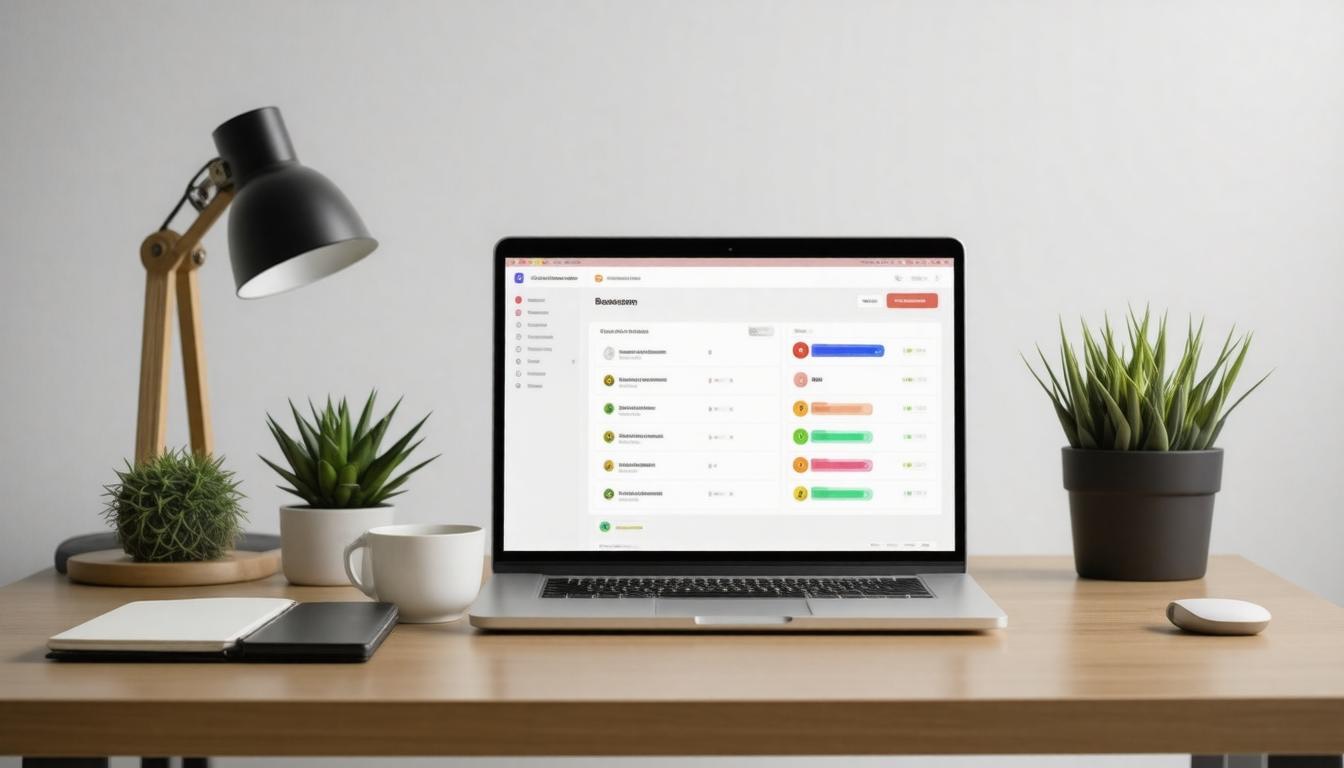
With message boards that act like a digital water cooler, to-do lists that break down tasks clearly, schedules that keep deadlines visible, and centralized documents that everyone can access and update—we can keep communication flowing smoothly without chasing scattered emails or forgotten notes.
What makes Basecamp particularly effective for small teams is how it consolidates everything we need for project management into a single hub. This reduces friction and confusion by putting conversations, timelines, and files where they belong—right next to the projects they relate to.
We don’t have to switch between multiple apps or lose track of important updates buried in personal inboxes. This ease of use helps maintain clarity on who’s responsible for what and when things are due. In practice, this translates into fewer missed deadlines and less time spent trying to catch everyone up.
Beyond its streamlined functionality, Basecamp’s pricing model provides another compelling advantage if we consider the financial side of small business management.
Unlike many project management tools that charge per user—quickly making costs balloon as our team grows—Basecamp offers a flat rate of $99 per month for unlimited users.
Pricing Advantage
For small businesses expanding beyond a handful of employees or collaborating with several freelancers, this pricing structure is predictable and budget-friendly.
For small businesses expanding beyond a handful of employees or collaborating with several freelancers, this pricing structure is predictable and budget-friendly. We avoid surprises at the end of each billing cycle and get full access to every feature whether our team is five people or fifty.
This simplicity in pricing aligns well with the tool’s overall philosophy. It encourages us to bring everyone involved into the same workspace without worrying about extra fees or complicated plans.
The result is often better team cohesion as communication channels open up across departments or projects. And because there’s no paywall restricting essential features, we get a complete toolkit right from the start without having to upgrade constantly.
“Switching to Basecamp reduced our email chains and improved team alignment almost immediately,” says David, who runs a small business himself.
In choosing Basecamp for our small team, we’re not just selecting software; we’re investing in a more organic workflow that prioritizes clear processes over flashy bells and whistles.
For those wanting to streamline projects with minimal fuss while keeping costs steady, it remains a solid contender worth exploring deeply.
As we consider these streamlined tools tailored for seamless teamwork, it’s worth shifting focus toward platforms that build collaboration into every facet of their design, providing more expansive suites of productivity options for small teams with growing needs.
Bitrix24: Collaboration Suite
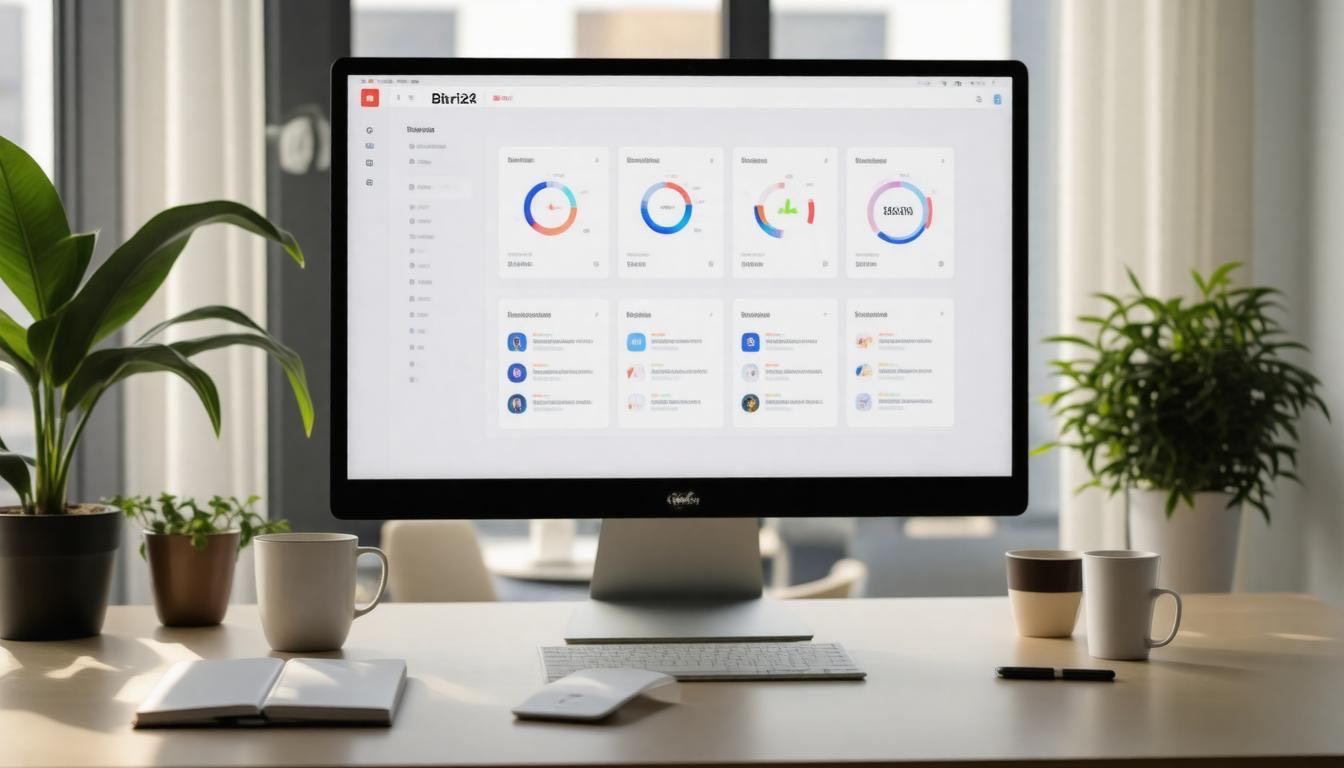
Bitrix24 presents itself as more than just a project management tool; it’s a full-scale collaboration environment designed to unify all aspects of small team operations. Its strength lies in how it merges task tracking with an embedded CRM system, video calls, document sharing, chat, and even inventory management under one roof.
This integration means we don’t have to juggle several different apps or worry about losing data between platforms—instead, everything we need for day-to-day teamwork happens in one place. The feeling of seamless coordination is instant because the tools talk to each other naturally.
One of the advantages of Bitrix24 is how user-friendly many of these features are despite their depth. For example, its recent update introduced a new “My Plan” widget that opens in a slick slider format. This clever redesign makes navigation through plan features and subscription details intuitive, so managing billing or switching plans doesn’t feel like a chore.
We can keep close tabs on when our subscription expires and renew without ever leaving the app. That level of transparency is genuinely empowering for small teams stretching every dollar.
Beyond usability and interface improvements, Bitrix24 shines most brightly when we consider the power behind its project and inventory databases.
The platform now includes enriched BI Builder datasets that let us dive deep into warehouse inventories, sales documents, and stock levels. This may sound technical at first glance, but it means those handling product movement or order management get real-time visibility on what’s happening—right down to which items are reserved or available.
These insights reduce guesswork and boost accountability across departments. For small teams balancing customer orders with tight stock control, having these integrated datasets means fewer surprises and smoother operations.
Additionally, practical touches like customizable warehouse forms and barcode scanning bring process automation closer for us. Instead of manual data entries prone to errors or delays, automated scanning speeds up receiving or shipping goods.
Meanwhile, mandatory fields in CRM forms help maintain clean contacts and lead information without follow-up headaches. It’s clear Bitrix24 isn’t just throwing features at us for show—it’s thoughtfully designing ways for small teams to tackle daily business complexities smarter and faster.
For teams still considering whether to adopt Bitrix24 as an Asana alternative, starting with its free tier is a compelling way to test-drive the ecosystem. Even at no cost, the suite offers solid CRM capabilities alongside task management and modest storage space—enough to get projects underway while exploring integrations.
Then, if we find the tools match our workflow, upgrading gradually unlocks advanced reporting, unlimited cloud storage, and a broader set of collaboration options—all scalable according to team size and needs.
| Plan | Price per User/Month | Key Features |
|---|---|---|
| Free | $0 | Basic CRM, Task Management, 5GB Cloud Storage |
| Basic | $49 | Full Project Management Tools, 24GB Storage, Advanced CRM |
| Standard | $99 | Unlimited Storage, Complete Collaboration Suite Access |
Bitrix24 delivers an all-in-one workplace that evolves alongside teams—allowing incremental investment as demands grow without forcing abrupt tool changes or steep learning curves. It respects both budget constraints and operational ambitions with balance.
Understanding the full scope of what project management tools offer sets the stage for evaluating the specific criteria important this year. With this groundwork laid, we turn toward the essential factors shaping choices in 2026.
Factors to Consider in 2026

In 2026, choosing the right project management tool goes beyond basic task tracking. Our teams operate in fluid environments where remote work, data sensitivity, and fast decision-making shape what tools succeed.
Remote work enablement stands at the forefront. We need solutions that aren’t just accessible online but provide smooth, ***real-time collaboration***—from editing documents simultaneously to instant messaging without lag. This seamless connectivity keeps distributed teams aligned despite geographic distances.
But enabling remote work means little if security isn’t rock solid.
Data security has evolved into a critical concern. As cyber threats grow more sophisticated, we can’t afford loopholes or half-measures. Compliance with regulations like GDPR is only the starting point—tools must offer encrypted communications, granular permissions, and proactive threat detection to safeguard sensitive project details.
This creates peace of mind and protects our credibility with clients and stakeholders alike.
Meanwhile, artificial intelligence is not just a buzzword—it’s actively reshaping how we manage projects.
AI-driven automation now serves as an ever-present colleague that anticipates risks before they snowball and optimizes resource allocation intelligently. Imagine a system that flags potential delays by analyzing historical patterns or automatically adjusts workloads when bottlenecks appear.
These capabilities reduce firefighting efforts and allow us to focus on strategic challenges rather than routine scheduling headaches.
For instance, AI can suggest redistributing tasks when it detects an individual is approaching capacity, maintaining team balance and morale without manual oversight.
Ultimately, even with these powerful features available, selecting a tool depends on understanding our unique workflows and priorities deeply.
Each project team has its own rhythm: some value extensive reporting and analytics while others prioritize simplicity and swift updates. Assessing how well a platform aligns with existing processes—rather than forcing a one-size-fits-all approach—determines adoption success and productivity gains.
This mindset encourages us to look at ***hybrid methodologies*** supported by software that offers flexibility in task management styles.
Therefore, grasping each platform’s distinct advantages alongside these emerging trends empowers our small teams to choose smarter project management solutions that truly fuel efficiency and innovation in 2026.
The future of project management lies in blending advanced technology with adaptable workflows tailored to team needs. By carefully weighing these factors, small teams can find powerful alternatives to Asana that unlock their full potential in the dynamic landscape of 2026.

Author
Tracy Jackson
I'm an experienced content writer and marketing strategist passionate about empowering people to succeed. With 15+ years in the industry, I blend creative storytelling with data-driven marketing to deliver real results. As a proud dad of three, I bring the same dedication to my family as I do to every piece of content I create.
Recent Posts

QuickBooks Alternatives for SaaS Companies: Features and Comparison Guide
Quickbooks alternatives for SaaS, compared on MRR
April 3, 2026

Zendesk Alternatives for B2B Support Teams: Best Software Comparison 2026
Zendesk alternatives for B2B support teams, compar
April 3, 2026
monday.com Alternatives for Agencies: Best Project Management Tools in 2026
Monday.com alternatives for agencies, compared on
April 2, 2026

Notion Alternatives for Team Wikis: Best Collaboration Tools for Productivity
Notion alternatives for team wikis, compared on st
April 2, 2026

Slack Alternatives With Better Pricing: Top Affordable Collaboration Software fo...
Slack alternatives with real pricing. See who beat
April 1, 2026

HubSpot Alternatives for Small Business: Best Affordable CRM Software in 2026
Hubspot alternatives for small business with hones
April 1, 2026
Newsletter
Don't miss a thing!
Sign up to receive daily news