

 Tracy Jackson15 yrs in online marketing
How to Start Blogging in 2026: A Step-by-Step Guide for Beginners
Table of Contents
How to start blogging in 2026, you need three things: a topic (your niche), a place to publish (a blogging platform like self-hosted WordPress), and a domain name with hosting. From there it’s choosing a name, setting up your site, and publishing your first posts. You can have a real blog online in an afternoon for under $50 a year.
I’ve built blogs from a blank screen more than once, and the hard part was never the tech — it was knowing the order to do things in. This guide gives you that order, start to finish, with no jargon and no assumptions about what you already know. If you can send an email, you can do this.
Disclosure: some links below are affiliate links — I may earn a small commission at no extra cost to you. I only recommend tools I use and trust. Read my full disclosure here.

How to Start a Blog in 7 Steps
- Choose your niche — pick a topic you can write about for years.
- Know your audience and voice — decide who you’re writing for and how you’ll sound.
- Pick a blogging platform — for most people, that’s self-hosted WordPress.
- Register a domain and get hosting — your blog’s address and its home on the web.
- Set up and design your blog — install your platform, pick a theme, add key pages.
- Write your first posts — publish helpful content people are searching for.
- Promote and grow — use email, social, and SEO to bring in readers.
Each step is explained in full below.

Step 1 — Choose Your Niche
Your niche is the topic your blog is known for. It’s the most important decision you’ll make, because your content, audience, and income all flow from it.
A strong niche sits where three things overlap:
- A topic you care about. Blogging is a long game. Pick a subject you’d happily write about for years, because if you’re bored by month two, it shows.
- A topic people search for. Passion alone won’t bring readers. Type a few ideas into Google and look at the “People also ask” box and autocomplete suggestions — that’s real demand showing itself.
- A topic you can earn from. If you want the blog to make money, make sure products, services, or affiliate offers fit the subject naturally.
Avoid writing for everyone. A focused blog about “budget travel for families” beats a vague “lifestyle” blog, because readers and search engines instantly understand who it’s for. Before you commit, list 10–15 post ideas. If you can’t reach 10, the niche may be too narrow.
Step 2 — Know Your Audience and Brand Voice
Define your reader as specifically as you can. “People starting a vegetable garden in a small apartment” is more useful than “gardeners,” because it tells you exactly what to write and how to say it.
Once you can picture that reader, your brand voice follows. Maybe you’re the funny friend; maybe you’re the calm, no-nonsense expert. There’s no wrong choice — the only rule is consistency, because a recognizable voice is what turns first-time visitors into regulars. Write the way your ideal reader talks.

Step 3 — Pick a Blogging Platform
A blogging platform is the software your blog runs on. For most people who are serious about blogging, the best choice is self-hosted WordPress (WordPress.org), which powers roughly 40% of all websites.
Here’s the honest comparison:
- Self-hosted WordPress — You own everything, it’s endlessly customizable, and it grows with you. There’s a mild learning curve, but it’s the right foundation if you want control and the option to earn later. This is what I recommend for almost everyone.
- Hosted builders (Wix, Squarespace, Substack, Medium) — Easier to start, but you’re renting space on someone else’s platform. Fine for a hobby or a newsletter; limiting if you want full control over design, SEO, and monetization.
If you’re unsure, start with self-hosted WordPress — it’s the option you’re least likely to outgrow. Once it’s set up, I cover what to write with in my guide to AI writing software for blogging.
Step 4 — Register a Domain and Get Hosting
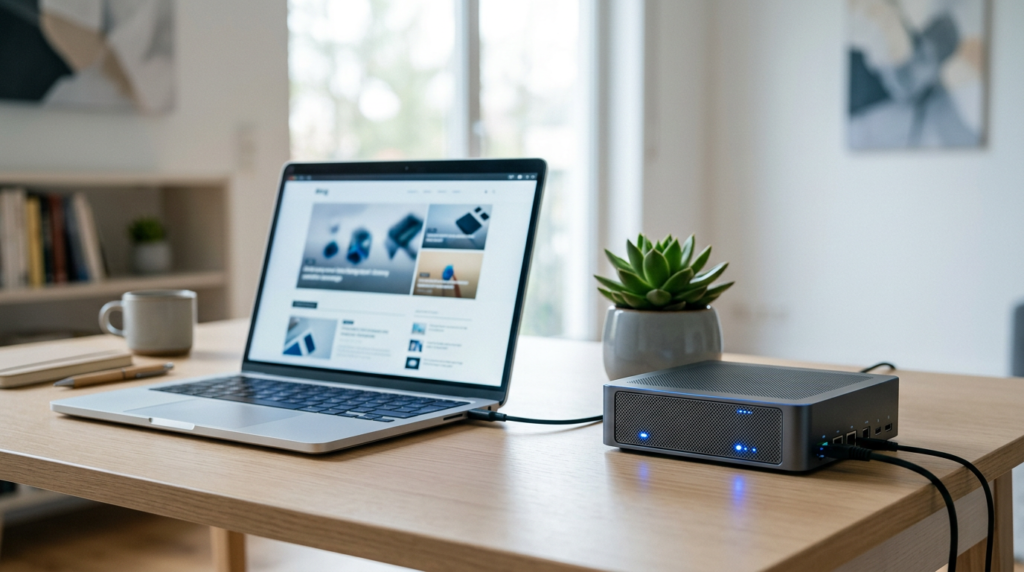
A domain and hosting are the only essential costs of starting a blog.
Your domain is your blog’s address, like yourblog.com. Choose something short, memorable, and easy to spell — your name or brand works well. A domain costs about $10–15 per year, and many hosting plans include the first year free.
Hosting stores your blog and serves it to visitors. A new blog only needs an entry-level shared plan. In 2026, beginner shared hosting runs about $3–5 per month on an introductory term, usually including a free domain, free SSL, and one-click WordPress installation. That intro rate renews higher — often $10–12 per month — so check the renewal price before you commit.
You can get started with my recommended hosting here. It includes a free domain and installs WordPress in a couple of clicks, so you skip the setup most beginners worry about.
Tip: You don’t need the biggest plan. The cheapest shared plan from a reputable host handles a blog comfortably until you’re getting thousands of visitors a month.
Step 5 — Set Up and Design Your Blog
Install WordPress (most hosts have a one-click button), then set up the essentials:
- Choose a theme. Your theme controls how the blog looks. Start with a clean, fast, mobile-friendly free theme and upgrade later if you want. Don’t lose a week here — readers care about your content, not your header.
- Add your core pages. At minimum: an About page, a Contact page, and a Privacy Policy. These build trust with readers and search engines.
- Install a few key plugins. An SEO plugin, a caching plugin for speed, and a backup plugin cover the basics. Don’t install dozens — each one is something to maintain.
A clean, fast, readable blog beats a cluttered “designed” one every time.

Step 6 — Write Your First Posts
Publishing your first post is what makes you a blogger. Don’t wait for perfect — published beats polished.
Three things make the biggest difference:
- Write what people search for. Before writing, do quick keyword research: study Google’s autocomplete, the “People also ask” box, and the related searches at the bottom of the results. Those are readers telling you what they want.
- Structure for skimming. Use clear headings, short paragraphs, and bullet points. Most people scan before they read.
- Be genuinely helpful. Answer the question fully and honestly. Depth and trust are what rank in 2026 and what bring people back.
If a blank page is what’s stopping you, AI tools can help you outline, draft, and edit faster while keeping your voice. I walk through the ones I use in my guide to AI writing software for blogging.
Publish consistently. One solid post a week builds momentum faster than ten posts followed by silence.

Step 7 — Promote and Grow Your Blog
Publishing isn’t the finish line. Early on, you have to bring readers to your posts. Three channels do the heavy lifting:
- Email — start a list on day one. This is the one I wish I’d taken seriously sooner. Social platforms change their rules constantly; your email list is an audience you own. Add a signup form offering something useful, like a checklist or short guide.
- Social and communities. Share posts on the platforms your readers use, and add real value in places like relevant Reddit threads, Quora questions, and niche Facebook groups. Be helpful first; link only when it answers the question.
- SEO — the long game. A well-optimized post can bring readers from search for years with no extra work. It’s slower than social, but it compounds.
Promotion is a habit, not a one-time push.
Why Blogging Is Still Worth It in 2026
Yes, blogging is still worth starting in 2026, even with video and AI everywhere. Three reasons:
- It drives free, lasting traffic. A helpful, SEO-friendly post can bring readers from search for months or years after you publish it.
- It builds authority. A consistent blog makes you the person people trust in your space, which opens doors to clients, customers, and opportunities.
- It’s an asset you own. A blog with traffic and an email list can be monetized through affiliates, ads, products, or services — and it’s yours outright.
Blogging rewards consistency more than talent.

What It Costs to Start a Blog in 2026
You can start a blog for under $50 in your first year. Here’s where the money goes (verify current prices at signup — intro deals change often):
| Item | Typical 2026 cost | Needed? |
|---|---|---|
| Domain name | ~$10–15/year (often free year one with hosting) | Yes |
| Shared hosting | ~$3–5/month intro (renews higher) | Yes |
| Theme | Free to start; premium ~$50–100 one-time | Optional |
| Email tool | Free tiers available; paid from ~$10–20/month | Optional early |
| AI writing / SEO tools | Free tiers available; paid plans vary | Optional |
The two non-negotiables are a domain and hosting. Add everything else later, once the blog earns its keep.
Frequently Asked Questions
How do I start blogging as a beginner? Choose a focused niche you care about, pick a platform (self-hosted WordPress for most people), then register a domain and get hosting. Set up your blog with a clean theme and a few core pages, publish helpful posts people are searching for, and promote them through email, social, and SEO.
How much does it cost to start a blog in 2026? Starting a blog costs under $50 in the first year. A domain runs about $10–15 per year (often free for year one), and beginner shared hosting is roughly $3–5 per month on an introductory term. Themes and tools have free tiers, so they’re optional at the start.
Can I start a blog for free? Yes. Platforms like Medium, Substack, and WordPress.com let you publish at no cost. The trade-off is control: you’re limited on design, SEO, and monetization, and you don’t fully own the space. For a blog you’re serious about, self-hosted WordPress is worth the few dollars a month.
Which blogging platform is best for beginners? Self-hosted WordPress is best for most beginners — it’s flexible, fully yours, and grows with you. If you want the easiest possible start and don’t mind the limits, a hosted builder like Squarespace or a newsletter platform like Substack works too. The right choice depends on how much control you want.
How do blogs make money? Blogs make money mainly through affiliate marketing (commissions for recommending products you trust), display ads, and selling your own products or services. Most successful blogs combine a few of these once they have steady traffic and an engaged email list.
How long until a blog gets traffic? Most blogs take six months to a year of consistent publishing before search traffic becomes meaningful — months, not days. That’s normal. The bloggers who succeed are the ones who keep going while others quit.
Ready to Start Your Blog?
Starting a blog in 2026 comes down to seven steps: choose your niche, know your audience, pick a platform, set up your domain and hosting, design your blog, write helpful posts, and promote them consistently. None of it is complicated — it takes showing up.
The step that matters today is the first one. Pick your topic, grab your hosting and free domain, and get your blog online.

Recent Posts
Monday.com Review 2026: Is It Still the Best Work OS?
I tested Monday.com against ClickUp, Asana, and Wr...
Updated July 27, 2026

AI Writing Software for Blogging in 2026: Best Tools + How to Stay AI-Search Vis...
The best AI writing software for blogging in 2026 ...
Updated July 20, 2026
HubSpot Review 2026: Is It Worth the Cost?
I tested HubSpot’s free CRM, Starter, and Pr...
Updated July 20, 2026
Teamwork.com Review 2026: Is It the Best PM Tool for Client Work?
I tested Teamwork.com for agency and client projec...
Updated May 29, 2026
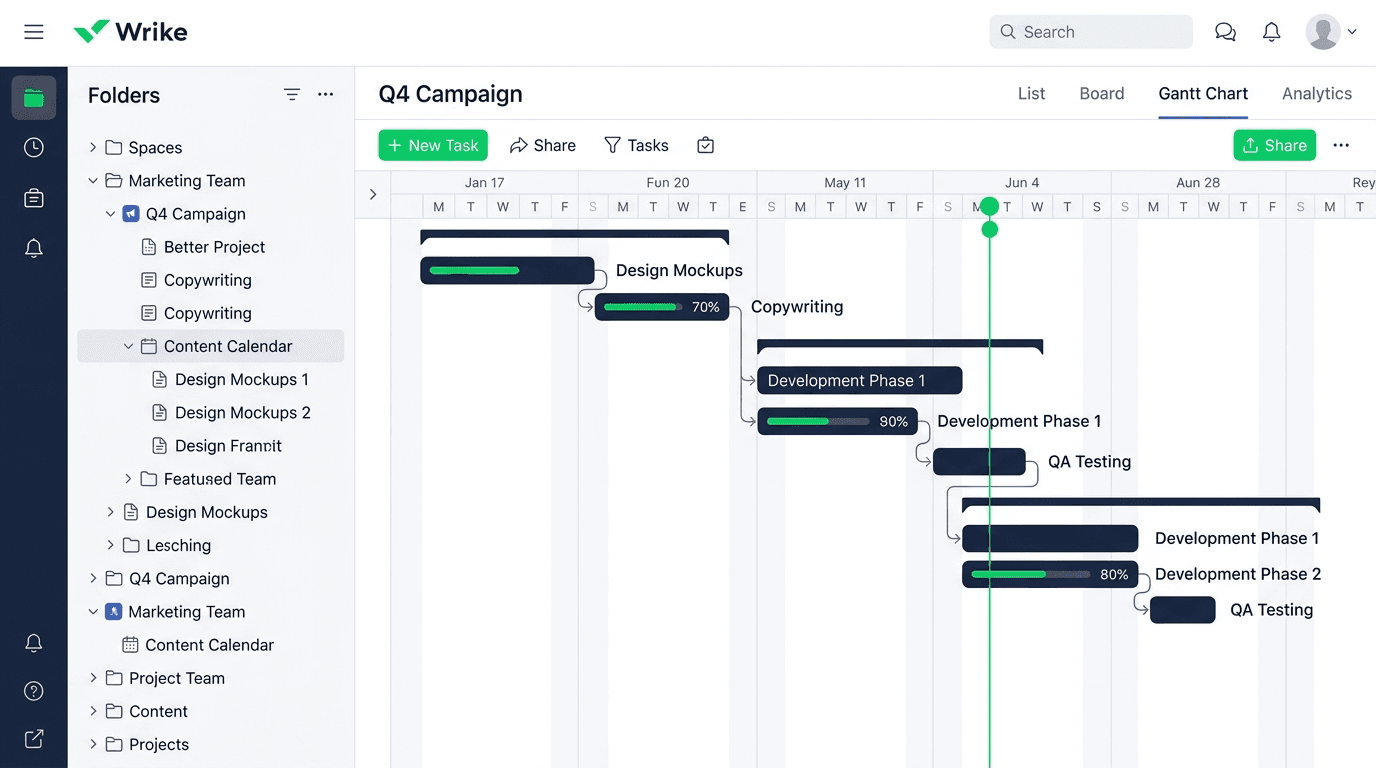
Wrike Review 2026: Is It Worth the Cost?
I tested Wrike in real enterprise workflows. Here&...
Updated May 29, 2026
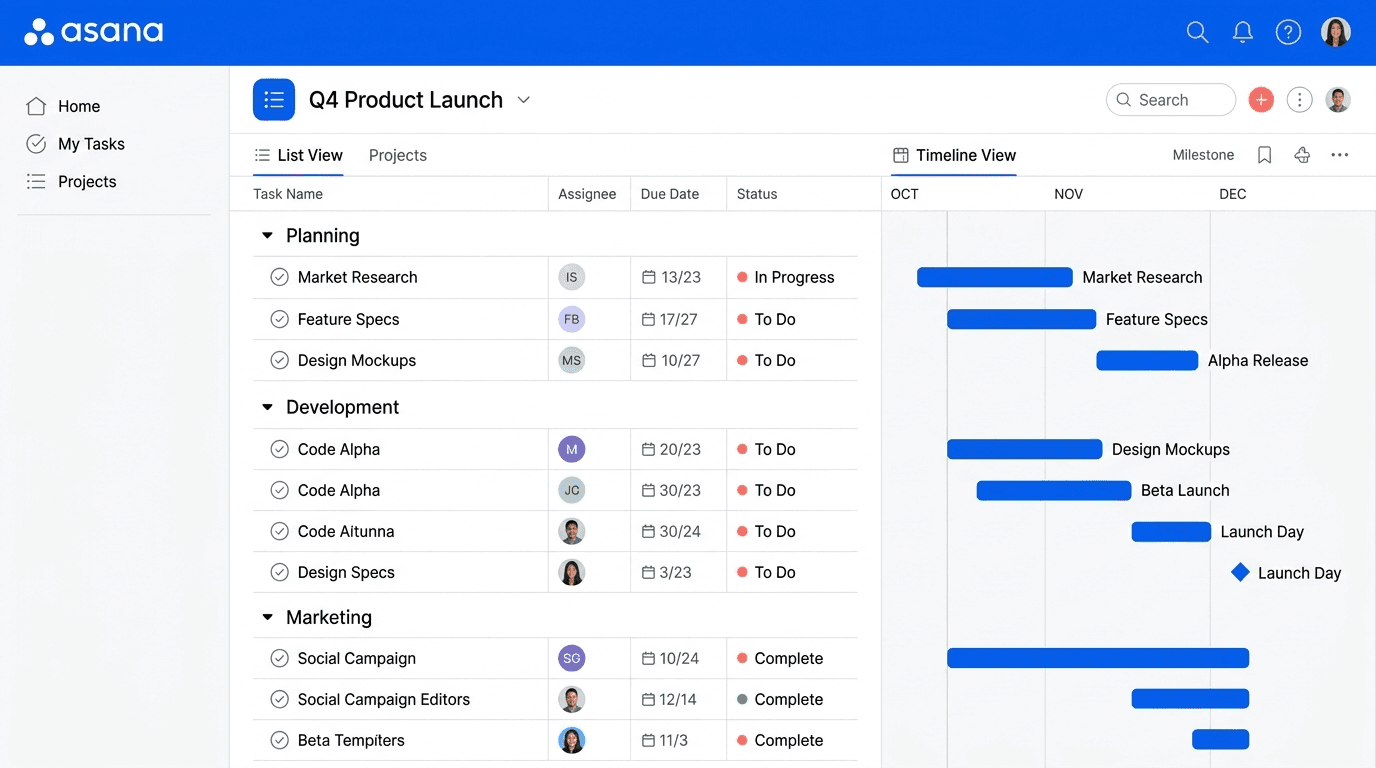
Asana Review 2026: Is It Worth It? (Honest, In-Depth Analysis)
I tested Asana across real team workflows. Here...
Updated May 29, 2026
Newsletter
Don't miss a thing!
Sign up to receive daily news