
 Tracy Jackson15 yrs in online marketing
Wrike Pricing in 2026: True Costs of Every Plan Explained
Table of Contents
Two things make Wrike pricing harder to research than it should be. First, Wrike updated its pricing structure in January 2026 — and every third-party article ranking for this keyword is showing pre-update numbers.
Second, Wrike runs multiple audience-specific pricing pages (generic, marketing, professional services) that rank side by side in search results, creating the impression of different pricing tiers when the underlying per-seat costs are actually the same.
This article uses the current post-January 2026 pricing, verified directly from wrike.com, and covers all five plan tiers — including the Apex tier that’s absent from every competing article.
If you’re still building a shortlist and want to see Wrike alongside six other tools, my full marketing project management software comparison has current verified pricing for every option.
But if Wrike pricing is what you’re here to validate, this is the current, accurate reference.
Wrike Pricing at a Glance
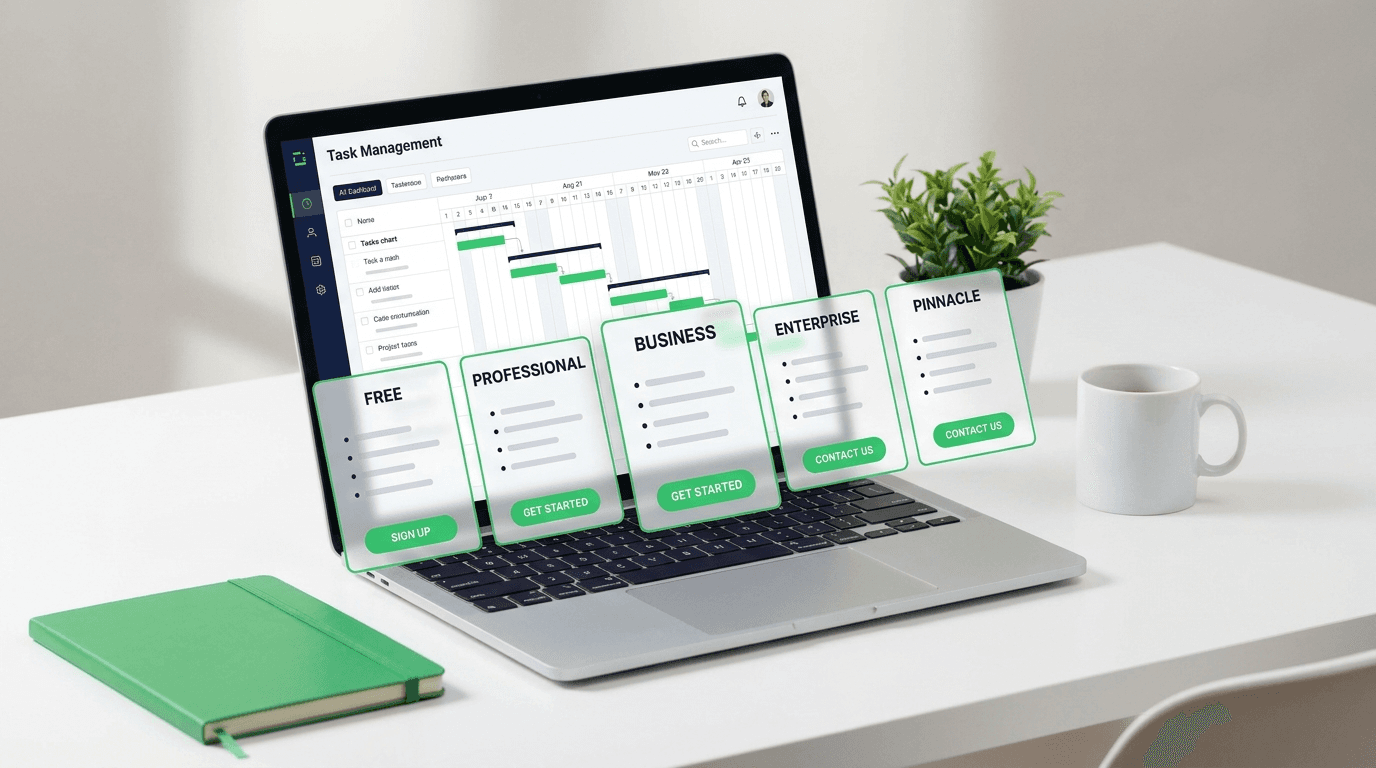
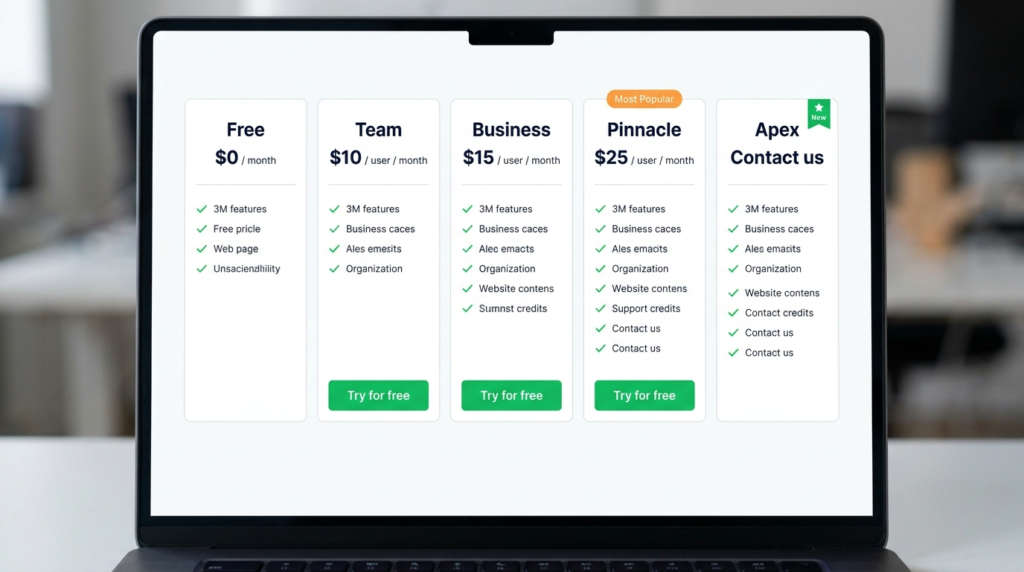
Wrike costs $0 on the Free plan, $10/user/month on Team, and $25/user/month on Business — both billed annually. Pinnacle and Apex are custom-priced and require contacting Wrike sales.
All prices below reflect Wrike’s January 2026 pricing update — verified from wrike.com/price, May 2026.
| Plan | Price (per user/mo) | Min. Seats | Best For |
|---|---|---|---|
| Free | $0 | — | Trial and evaluation only |
| Team | $10 | 2 | Small teams of 5–15 not yet needing enterprise reporting |
| Business | $25 | 5 | Mid-market teams of 15–50 with workflow and reporting needs |
| Pinnacle | Custom | Contact sales | PMOs and professional services with complex resource planning |
| Apex | Custom | Contact sales | Enterprise teams scaling AI-led workflows end-to-end |
All prices are per month, billed annually — Wrike displays monthly rates on its pricing page but notes in the footer that amounts are “priced per month and billed on an annual per-user basis.” Team is the only published paid plan available without a forced annual commitment. Pricing valid for new purchases on or after January 21, 2026. Verified from wrike.com/price, May 2026.

Disclaimer: If you buy something using the links in this article, I may receive a commission at no extra cost to you.
Know that I only promote stuff that I use and trust for the sake of my readers and the reputation of this site.
Wrike Pricing Plans: Full Breakdown
Wrike Free: What You Get and Who It’s For
Price: $0. No credit card required, 14-day free trial available separately on paid plans.
The Wrike Free plan covers the basics of task and project management: web, desktop, and mobile apps, Kanban board view, table view, project and task structure.
It works for someone who needs to see what Wrike looks like before committing to a paid tier.
The limits that end the conversation quickly: the free plan has an active task limitation (Wrike doesn’t publish the exact number, but users hit it faster than expected on real projects) and 2GB storage.
There’s no Gantt chart, no custom fields, no automations, no dashboards, and no reporting. The free plan is also capped at a very small team size.
Verdict: The Wrike free plan is an evaluation tool, not a working tool. For any team doing real project management — tracking milestones, assigning work across more than a handful of people, running any kind of reporting — it runs out of road immediately.
Treat it as a structured demo, not a free tier you can grow on.
Wrike Team: What You Get and Who It’s For
Price: $10/user/mo billed annually. 2–15 users.
Team is where Wrike becomes genuinely useful.
The plan unlocks unlimited tasks, interactive Gantt charts, shareable dashboards, custom fields, and workflow customization — the core toolkit that makes Wrike worth using for structured project management rather than just task tracking.
Key features on Team:
- Interactive Gantt charts with dependencies
- Shareable dashboard — configurable per user
- Custom fields and custom workflows
- AI Essentials included — covers AI content creation and editing, comment summaries, board AI, automation rule generation via natural language, and mobile inbox prioritization (wrike.com)
- 2GB storage per user
- 14-day free trial, no credit card required
What Team doesn’t include: resource management, portfolio management, advanced reporting, Salesforce or NetSuite integrations, budgeting, or AI Elite features (AI agents, Wrike Copilot). Those are Business tier and above.
The 2–15 user cap on Team is worth noting — if your team grows past 15, you’re forced to Business at $25/seat. That’s a meaningful jump. Plan your growth path before committing annually.
Verdict: Team is the right entry point for a 5–15 person team that needs real project management — Gantt charts, custom workflows, dashboards — without yet needing enterprise-grade reporting or resource planning.
At $10/seat annual, it’s well-priced for what it delivers. The user cap and the gap to Business are the main considerations before signing.
Wrike Business: What You Get and Who It’s For
Price: $25/user/mo billed annually. 5–200 users.
Look at that minimum. Five seats at $25/seat means the floor for Business is $125/month — before you add a single person beyond the minimum.
That’s the cost consideration that every review article misses and every team lead should know before they start a trial. No competitor article calls this out.
What Business adds over Team:
- Resource and capacity planning — see team workload and availability, not just task assignments
- Portfolio management — track multiple projects in a single view with status rollups
- Real-time dashboards with advanced reporting — cross-project visibility for stakeholders
- Salesforce and NetSuite integrations — relevant for teams operating in enterprise tech stacks
- Workflow customization at scale — space templates, custom request forms with conditional logic
- AI Elite features (starter pack) — adds AI agents and Wrike Copilot on top of Essentials. Described as a “starter pack” of AI Elite actions, meaning the volume of agent actions is lower than Pinnacle and Apex (wrike.com)
- Standard integrations — broader integration set than Team
- 5–200 user range — enough for most mid-market deployments
Verdict: Business is where most mid-market teams of 15–50 people should begin their Wrike evaluation. The portfolio management, resource planning, and real-time dashboards are the features that justify the step up from Team.
The 5-seat minimum and the $125/mo entry cost are the realities to budget around. If you’re a team of 3 wondering whether Business fits, the minimum means you’re paying for 5 seats regardless — that math matters.
Wrike Pinnacle: What You Get and Who It’s For
Price: Custom — contact Wrike sales. Annual contract only.
Pinnacle is built for complexity — specifically the kind of complexity that shows up in PMO environments, professional services firms, and agencies managing multiple client engagements with financial accountability.
This is the tier where Wrike’s project management depth really shows.
What Pinnacle adds over Business:
- Advanced resource and capacity planning — role management, user custom fields, time tracking at full depth
- Budgeting and financial tracking — plan and monitor project, portfolio, and client budgets by role or bill rate, with billable hours
- Advanced reporting and BI — 360-degree real-time visibility, customizable dashboards, forecasting, and third-party platform data integration
- 3x more AI Elite actions per month than Business — more agent capacity for teams automating targeted workflows
- Advanced security and compliance features
Verdict: Pinnacle is the tier for PMOs and professional services teams that need financial accountability inside their project management tool — not just task tracking and workload views, but actual budget-to-actuals reporting and capacity forecasting.
If your team asks “are we profitable on this client?” and needs the answer to live in the same tool as your project plans, Pinnacle is worth the conversation with sales.
For teams that don’t need financial tracking at that depth, Business covers most workflow needs.
Wrike Apex: What You Get and Who It’s For
Price: Custom — contact Wrike sales. Annual contract only. Introduced January 2026.
Apex is Wrike’s newest tier and the one that no third-party article currently covers. It was introduced as part of the January 2026 pricing update and sits above Pinnacle as Wrike’s top-tier offering — designed specifically for enterprise teams scaling AI-led workflows end-to-end.
What Apex adds over Pinnacle:
- 10x more AI Elite actions per month — for teams running large-scale, end-to-end workflow automation powered by AI agents
- Unlimited Whiteboards — Wrike Whiteboard at enterprise scale without the $15/user/mo add-on cost
- Wrike Integrate — connect Wrike to external apps, build no-code automations, and run end-to-end workflows from a single platform (custom-priced add-on on other tiers, included in Apex)
- Wrike Sync (bi-directional) — two-way integrations with 22 systems including Jira, GitHub, and more (custom-priced add-on on other tiers, included in Apex)
- Wrike Datahub is also listed among Apex-included add-ons in Wrike’s add-on section
Verdict: Apex is for enterprise organizations that have moved beyond project management into AI-orchestrated workflows — where AI agents are handling triage, routing, intake, and updates at volume across the organization.
It’s not a “larger team” plan; it’s an AI operations plan. If your evaluation is still at the “we need better project tracking” stage, Apex is several tiers ahead of where you are.
If your organization is actively deploying AI agents across workflows and hitting capacity limits on Business or Pinnacle, Apex is the tier built for that.
Does Wrike Price Differently by Vertical?
Short answer: no — but Wrike’s own website creates the impression that it does.
Wrike runs separate pricing pages for marketing teams (wrike.com/marketing/pricing/) and professional services teams (wrike.com/professional-services-management/pricing/), both of which rank in Google results alongside the generic pricing page.
This is a source of genuine confusion for buyers who land on one page and wonder whether they’re seeing different pricing from another.
The underlying per-seat prices are the same across all three pages.
What differs is the feature emphasis — marketing-specific pages highlight campaign management, creative workflows, and proofing features; professional services pages highlight resource management, budgeting, and client billing. The plan tiers and per-seat costs are identical.
Verify this is still accurate at time of reading — Wrike could introduce vertical-specific pricing in the future, and the pages change more frequently than the core pricing structure (wrike.com).
Wrike AI Pricing — What It Costs and What You Get
Wrike’s AI layer is built into the plan tiers rather than sold as a separate license — but the depth of what’s included varies significantly by plan, and there’s an additional add-on layer for teams that need more capacity.
AI Essentials — included on Team and above. Covers AI features that assist with individual tasks: AI content creation and editing, comment summaries, board AI (action plans, summaries, task creation, translation), automation rule generation using natural language, and mobile inbox prioritization. This is baseline AI assistance — useful, but not autonomous (wrike.com).
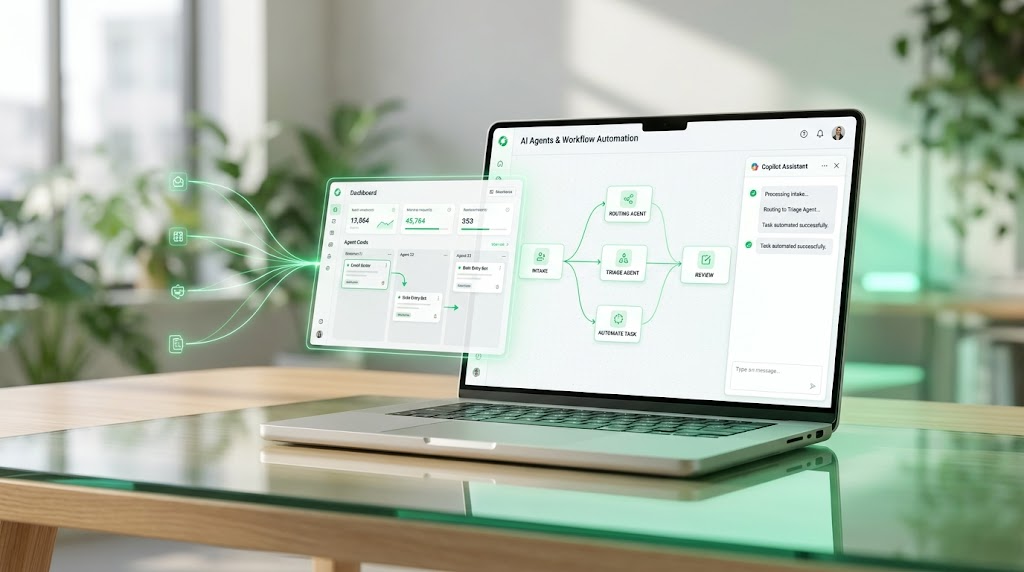
AI Elite — included on Business, Pinnacle, and Apex (at different action volumes). This is where AI agents and Wrike Copilot live. Business gets a starter pack of AI Elite actions.
Pinnacle gets 3x more actions per month than Business. Apex gets 10x more.
AI Elite unlocks: autonomous AI agents for triage, intake, routing, and workflow execution; Wrike Copilot (an in-project AI assistant that answers questions and generates charts); AI widget creation; and Whiteboard assistant (wrike.com).
AI Elite action pack — add-on at custom pricing. For Business or Pinnacle teams that hit their AI Elite action limits and need more capacity without upgrading to the next tier. Contact Wrike sales for pricing (wrike.com).
The practical implication: if AI agents and Copilot are core to your evaluation, Business is the minimum entry point. Team gets AI assistance tools but not autonomous agents. Apex is built for teams deploying AI at enterprise scale.

Annual vs Monthly Billing
One thing worth knowing before you visit Wrike’s pricing page: the prices displayed — $10 for Team, $25 for Business — are shown as flat monthly figures without an annual qualifier on the plan cards themselves.
It’s only in the footnote below the plans that Wrike clarifies: “The amount shown is priced per month and billed on an annual per-user basis.” That’s easy to miss, and it matters for budgeting.
The practical reality: Team can be purchased without a forced annual commitment for smaller configurations, but the $10 rate is the annual price.
Business, Pinnacle, and Apex are annual contracts only — confirmed in Wrike’s FAQ, which states “Wrike Business plans and above are only available as annual subscriptions.”
There’s no monthly billing option at Business and above.
For any team evaluating Business or higher: you’re committing to 12 months from day one. Factor that into your trial timeline and procurement planning accordingly.
Is Wrike More Expensive Than Asana?
At the closest equivalent tiers, the per-seat costs are nearly identical — but Wrike’s minimum seat requirement makes it more expensive for smaller teams at the Business level.
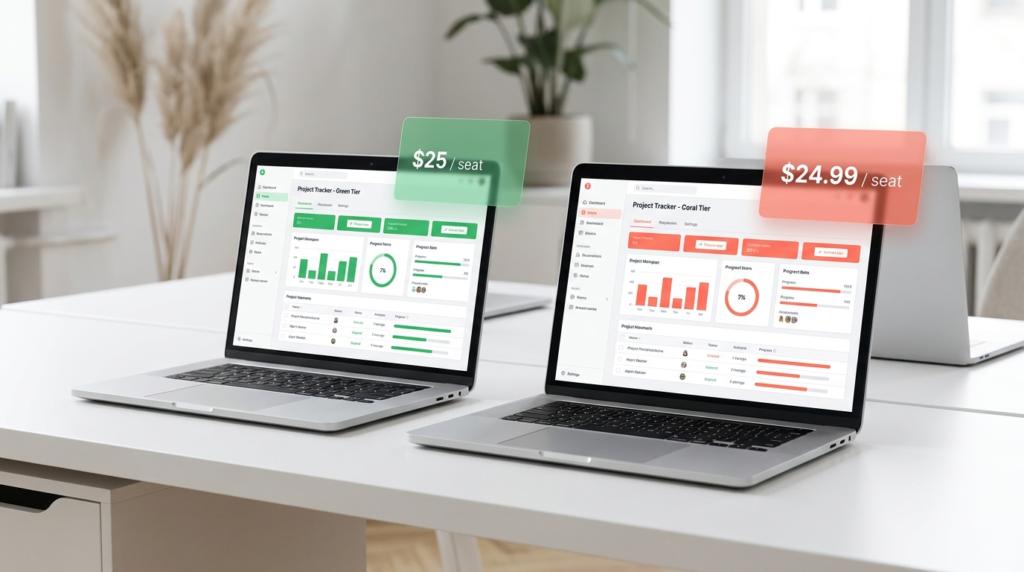
Wrike Business is $25/user/mo (annual) with a 5-seat minimum, making the monthly floor $125. Asana Advanced is $24.99/user/mo (annual) with no minimum seat count — a 2-person team pays $49.98/mo.
For a team of 10, the per-seat costs are virtually the same: $250/mo on Wrike Business vs $249.90/mo on Asana Advanced. The difference is negligible. For a team of 3 or 4, Wrike’s 5-seat minimum makes it meaningfully more expensive.
Feature-for-feature, Wrike Business and Asana Advanced are broadly comparable — both include resource management, reporting, and advanced workflow features — but Wrike’s AI Elite (agents and Copilot on Business) goes deeper on autonomous AI than Asana’s Advanced plan.
Asana has its own AI Studio layer, which is covered in detail in the full Asana pricing breakdown.
FAQ
Is Wrike pricing worth it?
It depends entirely on which tier and what your team actually needs. Wrike Team at $10/seat/mo annual is genuinely good value — Gantt charts, custom workflows, and AI Essentials for a small team is a strong package at that price.
Wrike Business at $25/seat/mo annual is competitive with Asana Advanced at similar team sizes, and includes more AI capability at that tier. Pinnacle and Apex require a conversation with sales — the value case depends on what’s negotiated.
The one honest caveat: Wrike has a steeper learning curve than Asana or Monday.com. If your team won’t invest in setup and onboarding, the tool doesn’t deliver on its potential regardless of tier.
How much does Wrike cost per user?
Wrike’s published per-user pricing is $0 on Free, $10/user/mo on Team, and $25/user/mo on Business. Pinnacle and Apex are custom-priced — contact Wrike sales.
One important display note: Wrike’s pricing page shows these as flat monthly figures, but a footnote confirms they are “priced per month and billed on an annual per-user basis.” Business and above are annual contracts only.
All prices reflect Wrike’s January 2026 pricing update, verified from wrike.com/price, May 2026.
Does Wrike have a free plan?
Yes. Wrike’s Free plan is permanent — it’s not a trial. It includes basic task and project management, Kanban board view, table view, and web/desktop/mobile apps.
The limits are meaningful: active task limitations apply, storage is 2GB, and there are no Gantt charts, custom fields, automations, or reporting.
It’s genuinely useful for evaluating Wrike’s interface and basic workflow before committing to a paid plan, but it’s not a viable long-term tool for any team doing real project management.
What is the difference between Wrike Business and Pinnacle?
Wrike Business ($25/user/mo, 5–200 users) includes resource and capacity planning, portfolio management, real-time dashboards, Salesforce and NetSuite integrations, and a starter pack of AI Elite features.
Wrike Pinnacle adds the financial layer: full budget tracking against bill and cost rates, billable hours, advanced reporting and BI with forecasting, 3x more AI Elite actions per month, and single sign-on SSO.
Pinnacle is for teams that need profit-by-project accountability inside their PM tool. If your team needs workflow depth but not financial tracking, Business covers most needs at a lower per-seat cost.
Is Wrike more expensive than Asana?
At equivalent tiers, per-seat pricing is nearly identical — Wrike Business at $25/seat/mo annual vs Asana Advanced at $24.99/seat/mo annual.
The real difference is Wrike’s 5-seat minimum on Business: a 3-person team pays for 5 seats minimum ($125/mo), while Asana has no minimum.
For teams of 10+, the cost difference is negligible. For smaller teams, Asana is more flexible on entry cost. The full Asana pricing breakdown covers each tier in detail.
Bottom Line
For most teams, Wrike Business is the right starting point for a serious evaluation — it’s the minimum tier where resource management, portfolio views, real-time reporting, and AI agents all become available.
Budget for the 5-seat minimum and an annual contract from day one.
Teams that need financial accountability in their PM tool — billing rates, budget tracking, profit-by-project — should evaluate Pinnacle.
Teams building AI-orchestrated workflows at scale should talk to sales about Apex.
If you’re still deciding whether Wrike belongs on your shortlist at all, my full project management software comparison covers Wrike alongside Asana, ClickUp, Teamwork, and more with current pricing across every tool.
Sources
- Wrike Pricing — verified May 2026
- Wrike AI — verified May 2026

Recent Posts
Monday.com Review 2026: Is It Still the Best Work OS?
I tested Monday.com against ClickUp, Asana, and Wr...
Updated July 27, 2026

AI Writing Software for Blogging in 2026: Best Tools + How to Stay AI-Search Vis...
The best AI writing software for blogging in 2026 ...
Updated July 20, 2026
HubSpot Review 2026: Is It Worth the Cost?
I tested HubSpot’s free CRM, Starter, and Pr...
Updated July 20, 2026
Teamwork.com Review 2026: Is It the Best PM Tool for Client Work?
I tested Teamwork.com for agency and client projec...
Updated May 29, 2026
Wrike Review 2026: Is It Worth the Cost?
I tested Wrike in real enterprise workflows. Here&...
Updated May 29, 2026
Asana Review 2026: Is It Worth It? (Honest, In-Depth Analysis)
I tested Asana across real team workflows. Here...
Updated May 29, 2026
Newsletter
Don't miss a thing!
Sign up to receive daily news