

 Tracy Jackson15 yrs in online marketing
7 Best Marketing Project Management Software in 2026 for teams
Table of Contents
The best marketing project management software in 2026 is ClickUp — it gives marketing teams the most flexibility per dollar, with a genuinely useful free plan, deep automation, and enough customization to fit agency workflows without requiring a consultant to set it up. That said, the right pick depends on your team size, client load, and how much you care about billing features.
If you’ve ever managed a campaign out of a shared Google Doc, a color-coded spreadsheet, and three Slack threads simultaneously — you already know why generic project management tools fall short for marketing work.
Marketing teams deal with shifting client priorities, cross-functional creative reviews, and the constant pressure of campaign deadlines.
Most PM tools weren’t designed for that.
I tested the leading marketing project management software options against criteria that actually matter for marketing and agency teams: how well they handle client collaboration, whether the template library covers real marketing use cases, how clearly workload is visible across a team, and whether the pricing is honest.
I also considered how they work alongside CRM tools that sales and marketing teams often run in parallel.
How I Chose These Tools
I focused on tools that are actually used by marketing teams and agencies — not generic enterprise PM software that happens to show up in search results.
Each tool was evaluated on ease of client collaboration (can you bring clients into the workspace without a disaster?), template coverage for marketing-specific workflows, workload and capacity visibility, pricing transparency across tiers, and the learning curve for a 5–20 person team.
I weighted agency-specific features — client portals, billing integrations, retainer tracking — more heavily than features that matter equally to every team type.
Disclosure: This article contains affiliate links. If you purchase through them, I may earn a commission at no extra cost to you.
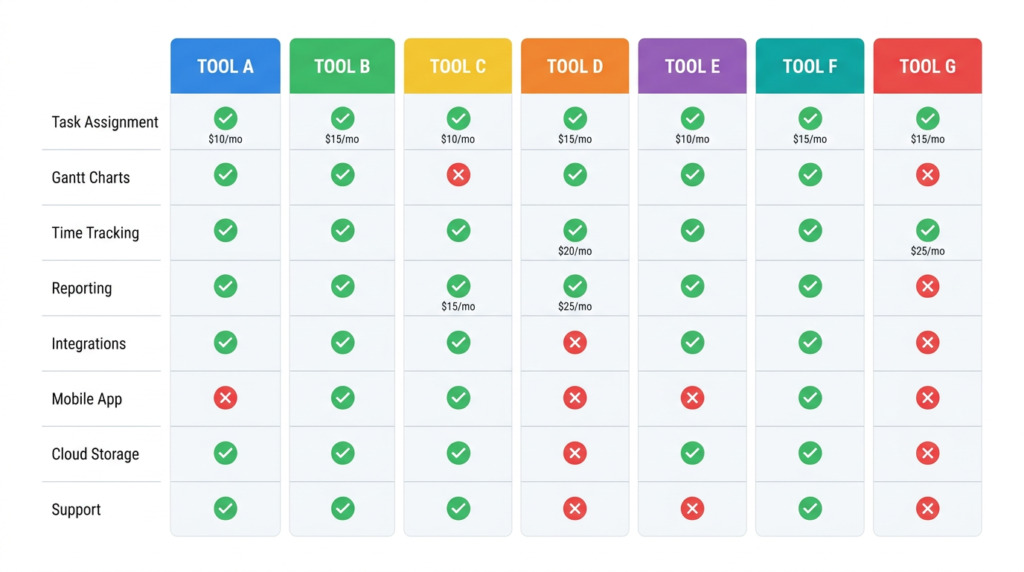
Quick Comparison: Marketing Project Management Software
| Tool | Best For | Starting Price | Free Plan | Key Agency Feature |
|---|---|---|---|---|
| ClickUp | Best overall | $7/user/mo (annual) | Yes — generous | Unlimited guests, proofing |
| Asana | Structured campaign tracking | $10.99/user/mo (annual) | Yes — 2 users | Timeline + Gantt, approvals |
| Monday.com | Visual workflow teams | $12/seat/mo (annual) | No | Workload view, automations |
| Wrike | Mid-market agencies | $10/user/mo (annual) | Yes | Custom workflows, proofing |
| Teamwork | Client billing + retainers | $9.99/user/mo (annual) | Yes — max 5 users | Retainer tracking, invoicing |
| Notion | Flexible docs + light PM | $10/seat/mo (annual) | Yes | Databases, wiki-style docs |
| Basecamp | Simple flat-rate teams | $15/user/mo (month-to-month) | Yes — 1 project | Flat guest pricing, message boards |
Pricing verified directly from each tool’s pricing page, May 2026.
Best Marketing Project Management Software
ClickUp — Best Overall for Marketing Teams
ClickUp is the tool I’d recommend to most marketing teams evaluating their options right now. It’s not the simplest tool in this list, but it offers more per dollar than anything else here — and the free plan is genuinely functional, not a 14-day trial dressed up as a freebie.
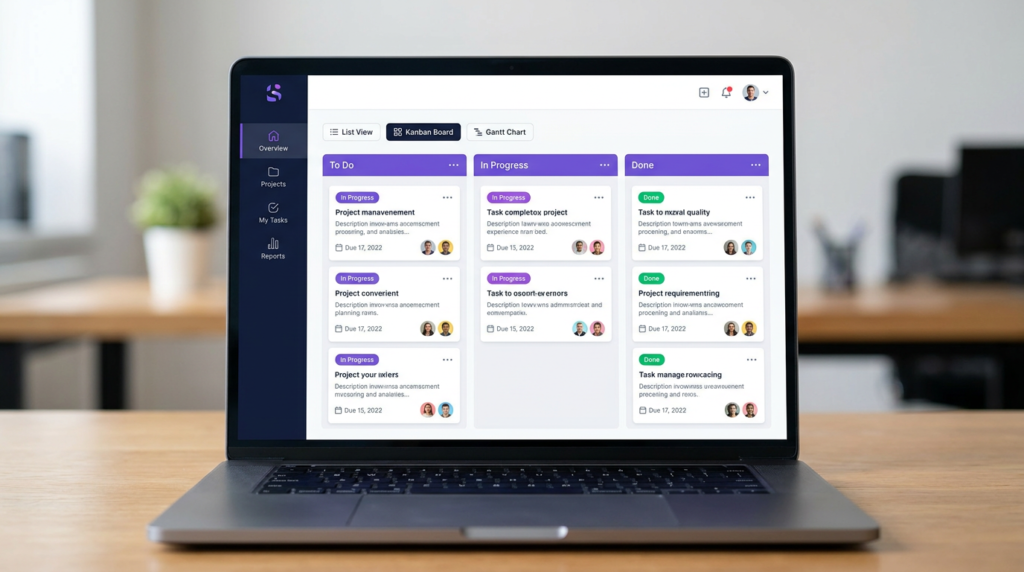
The feature set maps well to how marketing teams actually work: multiple views (list, board, Gantt, calendar, timeline), unlimited tasks on all plans, custom fields for tracking campaign status or content type, and a built-in docs layer so briefs and SOPs live next to the work.
The proofing feature — available on Business and up — lets clients review creative assets directly in ClickUp, which cuts down on the email-attachment review cycle that plagues agency work.
- Multiple project views including Gantt, Kanban, calendar, and timeline
- Unlimited guests with permission controls on Business plan and above
- 5,000 automations/mo on Unlimited, 20,000 on Business — enough for most mid-size teams
- Built-in docs, whiteboards, and time tracking without add-ons
Pricing (annual): Free Forever; Unlimited $7/user/mo; Business $12/user/mo; Enterprise custom. ClickUp also sells AI-focused plans — Brain AI at $9/user/mo and Everything AI at $28/user/mo — if AI-assisted workflows are a priority.
The catch: ClickUp has a real learning curve. The platform can do so many things that new users often spend the first two weeks building the “perfect” system instead of doing work. If your team doesn’t have someone willing to own the setup, start with fewer features than you think you need.
Asana — Best for Structured Campaign Management
Asana is the tool I’d reach for if the marketing team runs a lot of repeating campaign cycles with clear milestones and deadlines.
It’s more opinionated than ClickUp — which is actually a feature if your team doesn’t want to spend three days figuring out how to set up a workspace.
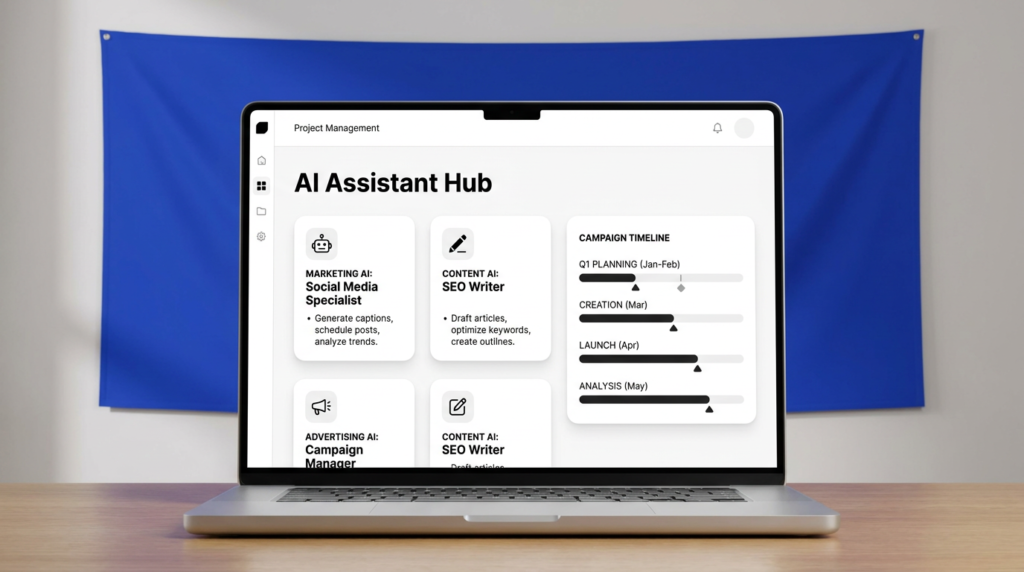
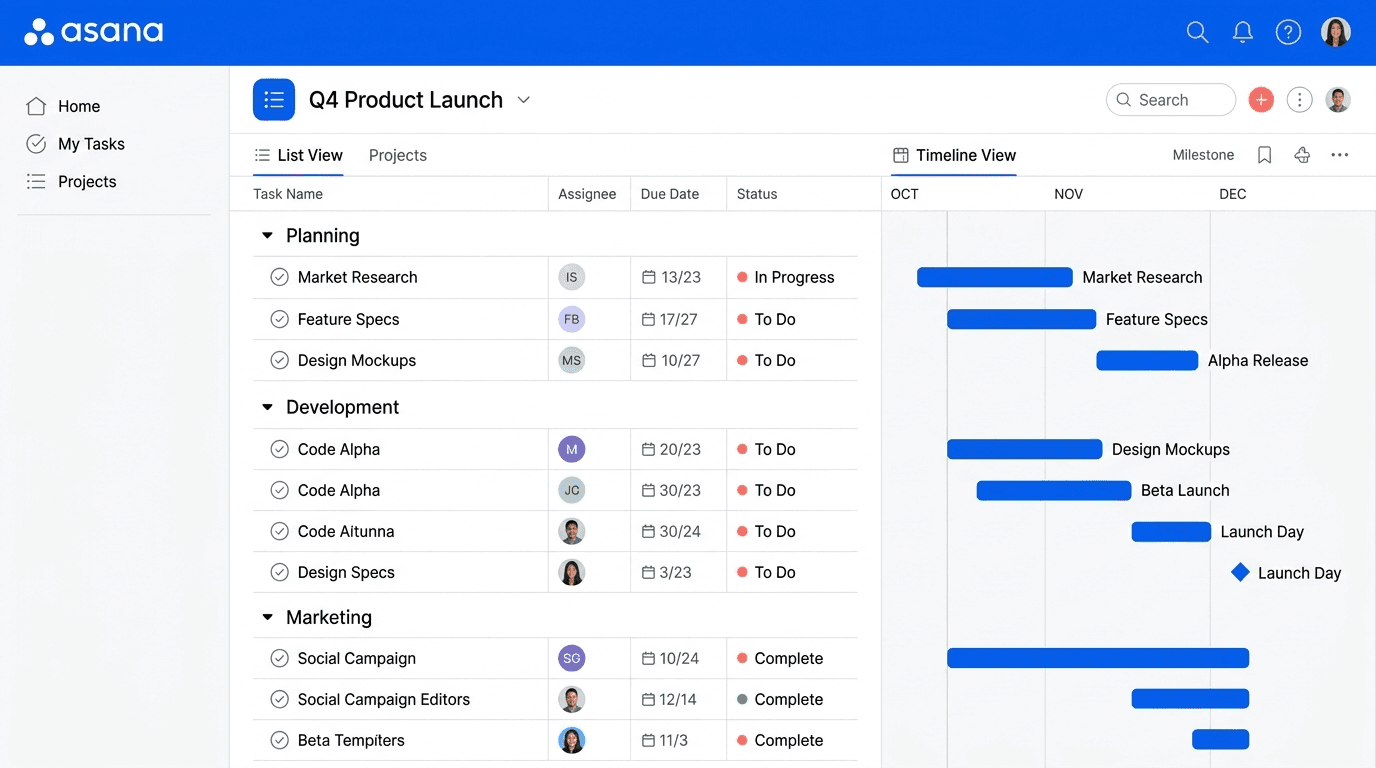
The timeline view is polished and genuinely useful for planning multi-channel campaign launches. Reporting dashboards (included on Starter and above) make it easy to see where things stand without pulling a status report manually.
The approval and proofing workflow on the Advanced plan closes the loop on creative review without needing a separate tool.
- Timeline and Gantt views included on Starter ($10.99/user/mo annual)
- No seat limits on paid plans — useful for agencies that add contractors seasonally
- Approvals and proofing on Advanced; Salesforce and Tableau integration for data-driven teams
- 100+ free integrations on the Personal (free) plan
Pricing (annual): Personal free (2 users); Starter $10.99/user/mo; Advanced $24.99/user/mo; Enterprise custom. Annual billing saves up to 18% vs monthly.
The catch: Asana doesn’t have a native time tracking or billing feature — you’ll need the Timesheets & Budgets add-on ($5.99/user/mo on Starter+) or a third-party integration if those matter to your workflow. For pure marketing team coordination it’s excellent; for agencies that also need to track billable hours, the cost adds up.
Monday.com — Best for Visual Workflow Teams
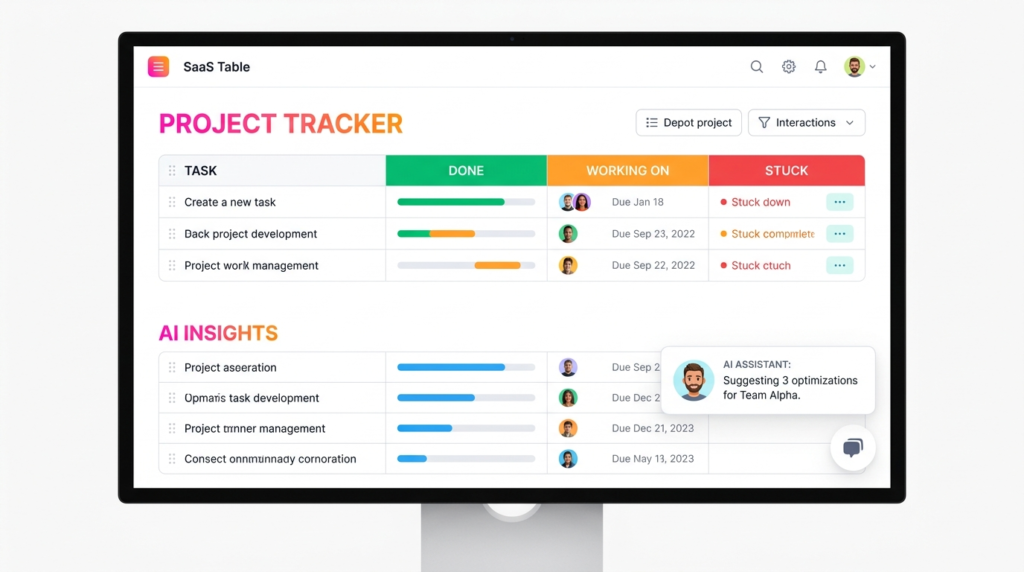
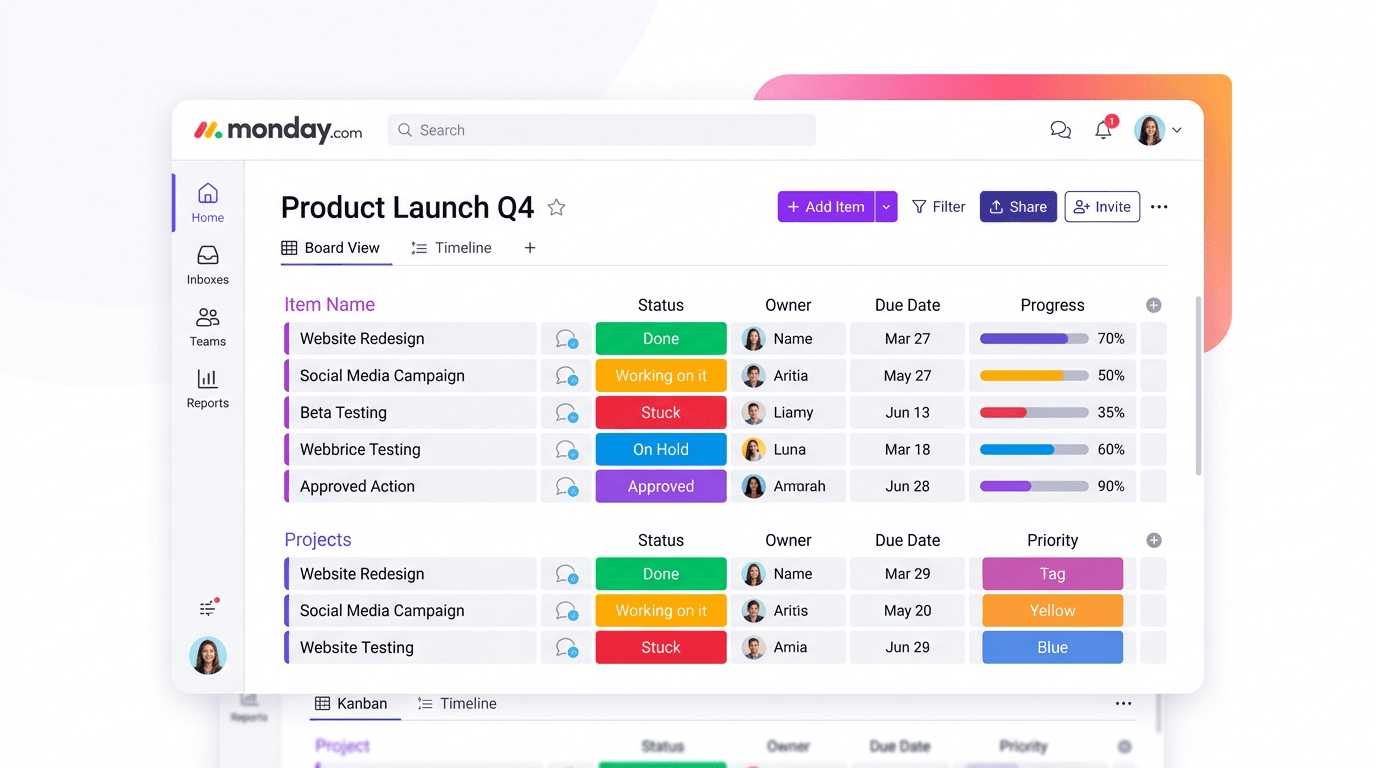
Monday.com is the most visually intuitive tool in this list. The board view is clean, the color-coding is immediately obvious, and the workload view gives a clear picture of who’s buried and who has bandwidth — which is the kind of thing a team lead actually wants to see at 9am on a Monday.
It’s also the most automation-friendly option for teams that want to reduce manual status updates.
On the Standard plan ($17/seat/mo annual) you get 250 automation actions per month; Pro bumps that to 25,000. Campaign status flows, deadline reminders, and intake form routing are all doable without writing code.
- Workload view for capacity management across the team
- Automations across all paid plans — 250/mo on Standard, 25,000/mo on Pro
- 14-day free trial, no credit card required
- Strong template library for marketing use cases including campaign planning, content calendars, and launch trackers
Pricing (annual): Basic $12/seat/mo; Standard $17/seat/mo; Pro $28/seat/mo; Ultimate custom. Note: 3-seat minimum on all plans; no free plan.
The catch: No free plan, and the 3-seat minimum means the cheapest you can get in is $36/mo on Basic annual billing. That’s not a dealbreaker, but it’s worth knowing before you start a trial.
Wrike — Best for Mid-Market Agencies
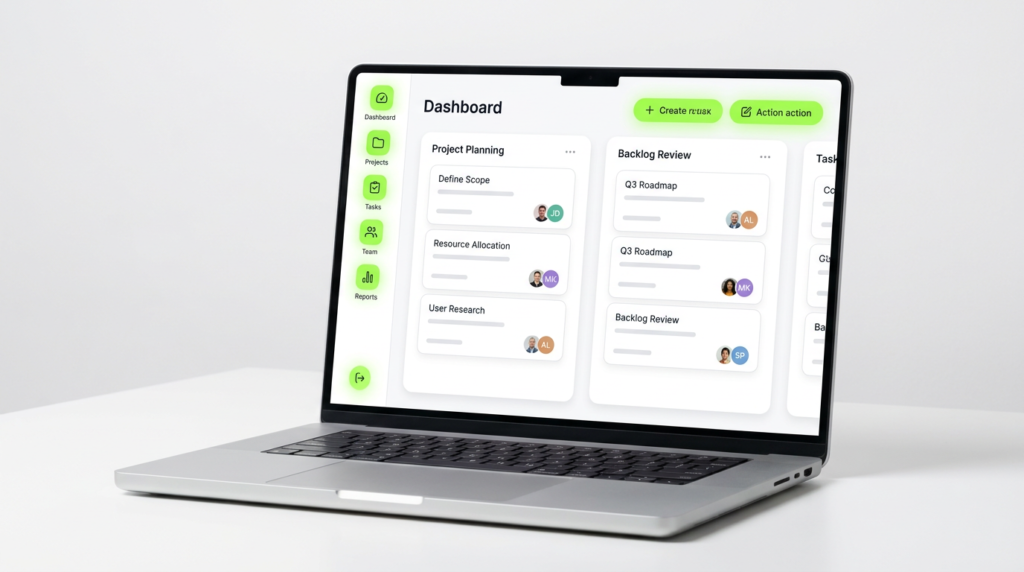
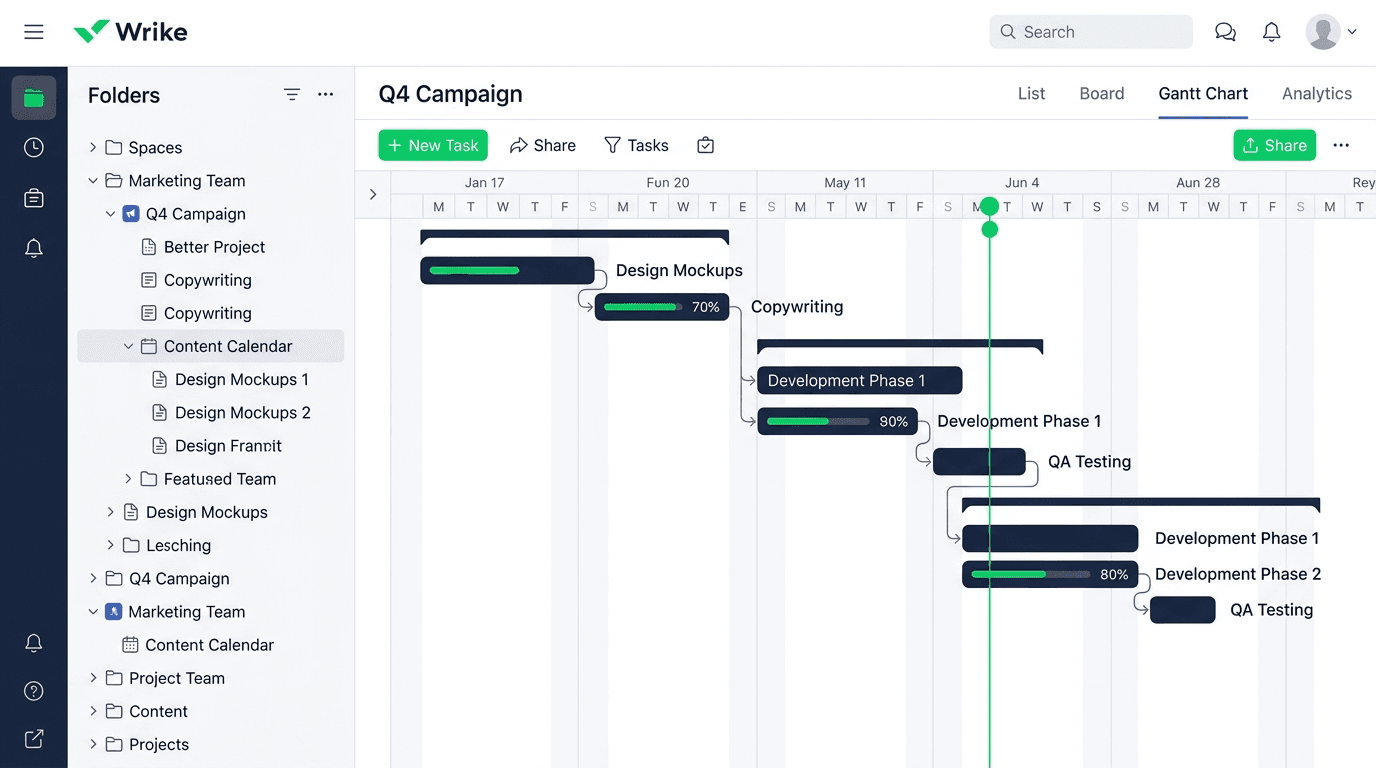
Wrike sits in an interesting position: it’s more powerful than Asana out of the box but less chaotic to learn than ClickUp at scale. For agencies managing 10–50 person teams across multiple client accounts, that balance matters.
The custom workflow engine is genuinely flexible — you can build approval chains, request intake forms, and status flows that mirror how your agency actually operates rather than bending your process to fit the tool.
The proofing and markup features are built in (not an add-on), which is a meaningful difference when you’re running rounds of creative review across multiple clients simultaneously.
- Custom workflows and intake request forms on Business and above
- Built-in proofing and markup for creative assets — no add-on required
- 5 to 200 users on Business; resource and capacity planning included
- Free 14-day trial, no credit card required
Pricing (annual): Free (limited, active task cap applies); Team $10/user/mo (2–15 users); Business $25/user/mo (5–200 users); Pinnacle and Apex custom. Add-ons include Wrike Whiteboard at $15/user/mo; Integrate, Two-Way Sync, Datahub, and Lock are custom-priced.
The catch: Wrike’s free plan is genuinely limited — active task caps apply, and most of the features that make it worth using require at least the Team plan. The jump from Team ($10) to Business ($25) is steep for smaller agencies. That pricing gap is worth thinking through carefully if you’re in the 5–15 person range.
Teamwork — Best for Agencies That Bill Clients
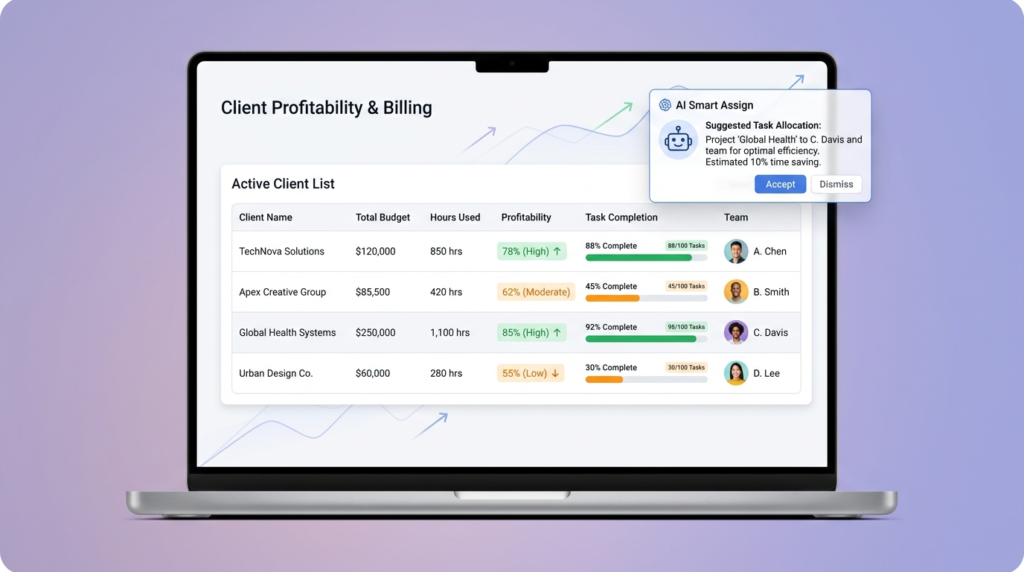
Here’s the thing about Teamwork: it’s not trying to be the best general-purpose PM tool. It’s specifically built for agencies and client-services teams that need to track time, manage retainers, invoice clients, and see profitability by project.
No other tool in this list does that as completely out of the box.
On the Optimize plan, you can manage fixed-fee budgets, track costs and expenses against budgets, handle unlimited time and cost retainers, work in multiple currencies, and invoice clients with margin, tax, and discount support.
That’s a full billing workflow inside a PM tool — which means fewer integrations, fewer tools, and fewer places for numbers to get out of sync.
- Retainer management (time + cost) on Accelerate and above
- Client invoicing with margin, tax, and discount support on Optimize
- Profitability forecasting with AI on Optimize and Enterprise
- Client-facing portals: share project statuses and dashboards directly with clients
Pricing (annual): Free (max 5 users, 5 projects); Basics $9.99/user/mo (min 3 users); Accelerate $24.99/user/mo (min 5 users); Optimize and Enterprise custom. Pricing verified May 2026.
The catch: The billing and retainer features that make Teamwork special are locked behind the Optimize plan, which requires a conversation with sales. If you’re on Accelerate, you get basic invoicing but not the full profitability layer.
For a lean 3–5 person agency, the per-seat cost at Accelerate may be harder to justify than Teamwork’s competitors at a similar price point.
Notion — Best for Teams That Want a Flexible Workspace
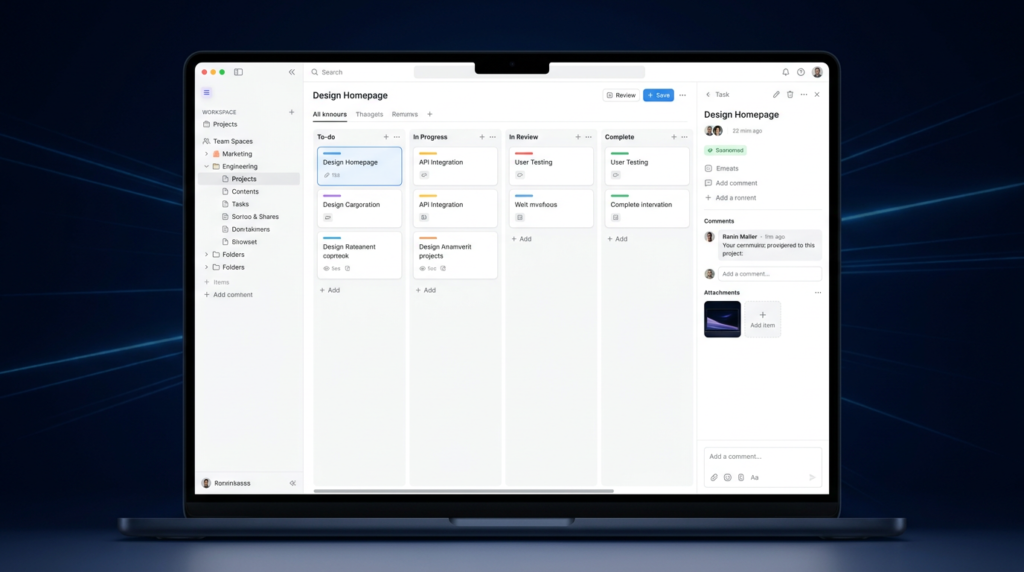
Notion earns its spot on this list with a caveat: it’s not a project management tool out of the box. It’s a flexible workspace that can function as one — but it requires setup, and “setup” for Notion often means someone spending a weekend building a database structure before the team can use it.
That said, for teams that already live in Notion for documentation, knowledge bases, and meeting notes, building lightweight PM workflows in the same tool makes a lot of sense.
The database views (table, board, calendar, gallery, timeline) are genuinely powerful once configured, and the AI features on Business — including meeting notes, AI-assisted writing, and research mode — are meaningfully useful for content-heavy marketing teams.
- Flexible database structure works well for content calendars, campaign trackers, and project wikis
- Notion AI Core included on Business ($20/seat/mo annual) — covers chat, generate, autofill, translate
- Unlimited guests on Plus and above; 10 guests on free plan
- Connects with Notion Calendar and Notion Mail on all plans
Pricing (annual): Free ($0); Plus $10/seat/mo; Business $20/seat/mo; Enterprise custom. Annual billing saves up to 20% vs monthly. Pricing verified May 2026.
The catch: Notion has no native Gantt view, no built-in time tracking, no resource management, and no client billing — full stop. If you need any of those things, Notion is the wrong primary tool.
It’s best used as a documentation and light-coordination layer alongside a more structured PM tool, or as the main tool for a content team that doesn’t need to track hours or manage client deliverables formally.
Basecamp — Best for Teams That Want Simplicity (and Hate Per-Seat Math)
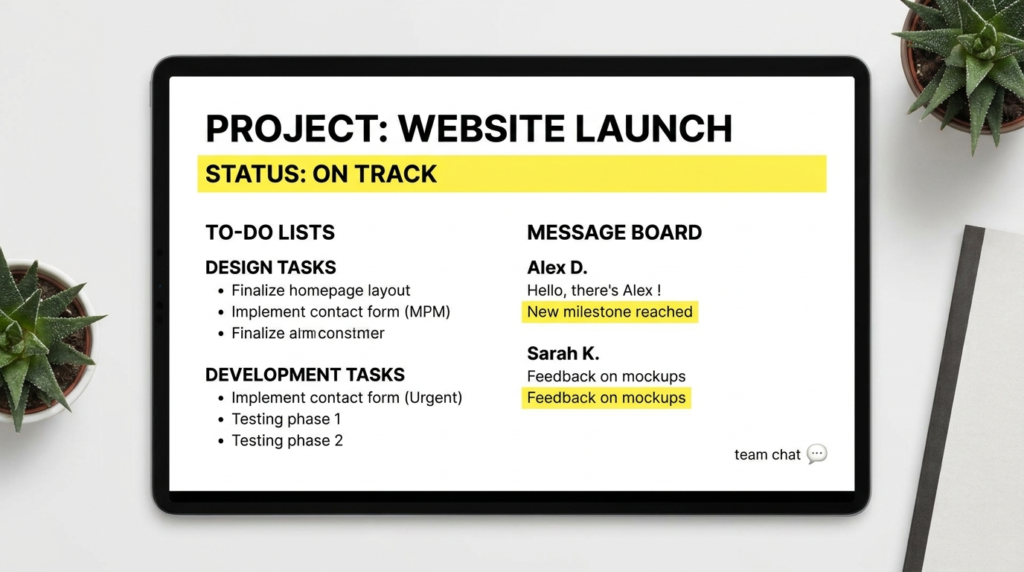
Basecamp’s whole pitch is that it’s not trying to do everything — it’s trying to get out of your way. For a team that’s tired of configuring workflows, setting up automation rules, and arguing about which view to use, that’s actually a compelling value proposition.
The Pro Unlimited plan is the most unusual pricing model in this category: $299/month (billed annually) for your entire organization, unlimited projects, 5TB of storage, and no per-user fees.
Clients and guests are always free. For a 20-person agency that would otherwise pay $20+/seat on a competitor, that math can work out significantly in Basecamp’s favor.
- Flat-rate Pro Unlimited at $299/mo (annual) — no per-seat fees, whole organization
- Guests and clients always free on all plans
- Message boards, to-dos, schedules, docs, and group chat in one place
- 60-day free trial on Pro Unlimited; 30-day trial on Plus
Pricing: Free (1 project, 20 users, 1GB storage); Plus $15/user/mo month-to-month (unlimited projects, 500GB storage); Pro Unlimited $299/mo billed annually or $349/mo monthly. Pricing verified May 2026.
The catch: Basecamp doesn’t have Gantt charts, time tracking, resource planning, or automation. It’s intentionally simple. If your team needs any of those features, Basecamp isn’t the tool — it’s a philosophy.
But for teams that are genuinely over-tooled and want a clean, fast, low-maintenance PM setup, it’s worth taking the 60-day trial seriously.

How to Choose the Right Tool
How many clients are you managing simultaneously? If the answer is more than five active accounts, client-facing features become a real priority — not a nice-to-have. Teamwork’s client portals and retainer tracking, or Wrike’s request intake forms, will save more time than any other feature.
If you’re an in-house team managing internal campaigns with no external clients, those features are irrelevant and you’re probably better served by ClickUp or Asana.
Do you need your tool to also handle billing? Most PM tools don’t — they hand that off to a separate invoicing tool or an integration. Teamwork is the exception. If tracking billable hours, managing retainers, and invoicing clients inside your PM tool is important, Teamwork is the only real option in this list that does it well at the Optimize tier.
What’s your actual budget per seat? The honest math: ClickUp Unlimited at $7/user/mo annual is the best value entry point for a full-featured tool. Asana Starter at $10.99 is close behind for teams that want a cleaner, more opinionated experience.
Basecamp Pro Unlimited at $299/mo flat makes sense once your team hits roughly 15+ seats. If CRM software costs are already a line item, stacking PM costs matters — and the per-seat model adds up faster than flat-rate models at scale.
How much setup time does your team actually have? ClickUp and Notion are powerful and flexible, but they take real configuration time before they feel organized. Asana, Basecamp, and Monday.com are meaningfully faster to get a team into a functional state.
If you need something working next week without a dedicated admin, lean toward the more opinionated tools.
FAQ
What is the best free project management software for marketing teams?
ClickUp’s Free Forever plan is the strongest free option for marketing teams — it includes unlimited tasks, unlimited members, multiple project views (list, board, calendar), collaborative docs, and basic custom fields.
Asana’s Personal plan is free for up to 2 users and includes unlimited tasks and 100+ integrations, which works for solo marketers or small partnerships.
Notion’s free plan covers one person or small team well for documentation-heavy workflows but lacks PM-specific features like Gantt views or time tracking.
Is Asana or ClickUp better for marketing agencies?
It depends on what the agency needs. Asana is better for teams that want a structured, opinionated tool that’s quick to onboard — the timeline view, clean reporting dashboards, and no-seat-limit Starter plan are genuinely strong for agency use.
ClickUp is better for agencies that want more customization: more views, more automation, more flexibility in how projects are structured. The trade-off is setup time — ClickUp takes longer to configure into something your whole team will use consistently.
Both have solid free plans worth testing before you commit.
What project management software do most marketing agencies use?
Based on what I see across agency communities and product review data, ClickUp, Asana, and Monday.com are the three most common tools in marketing agency workflows.
Teamwork has a strong following specifically among client-services agencies because of its billing features. Basecamp remains popular with smaller agencies that want simplicity over features.
Notion is increasingly used alongside one of the above as a documentation and knowledge base layer rather than as a primary PM tool.
How much does marketing project management software cost?
Costs vary significantly by team size and features needed. Entry-level paid plans start at $7–$10/user/mo (annual) for ClickUp, Asana, and Wrike. Mid-tier plans with stronger collaboration and reporting features run $12–$25/user/mo.
Teamwork’s billing-focused Optimize tier and Wrike’s Business tier both require a sales conversation for pricing. Basecamp Pro Unlimited at $299/mo flat is the outlier — it’s expensive for small teams but cost-effective for larger ones.
For a 10-person team on annual billing, expect to budget $70–$250/mo depending on which tool and tier you choose.
For a full breakdown of what these tools actually cost at different team sizes, the per-seat math is worth running before you sign an annual contract.
Does marketing project management software integrate with CRM tools?
Yes — most of the tools in this list integrate with major CRM platforms. Asana connects with Salesforce natively on the Advanced plan. Wrike integrates with Salesforce on its Pinnacle tier. ClickUp and Monday.com both connect to CRM tools via native integrations or Zapier.
Teamwork integrates with HubSpot on its Accelerate plan and above. If your team uses a CRM alongside a PM tool, it’s worth checking the specific integration depth before committing — some connections are two-way syncs, others are one-way notification triggers.
For teams still evaluating CRM options, a side-by-side look at the leading sales CRMs covers the integrations in more detail.
Bottom Line
For most marketing teams, ClickUp is the right starting point — the free plan is real, the Unlimited tier at $7/user/mo annual is hard to beat, and the flexibility grows with you. If your team runs structured campaign cycles and values a cleaner interface, Asana is the better choice.
For agencies that bill clients and track retainers, Teamwork is the tool I’d look at first regardless of price. And if your team is over-tooled and under-organized, Basecamp’s flat-rate Pro Unlimited plan is worth a 60-day look.
The tools that didn’t make my top recommendations for typical marketing teams — not because they’re bad, but because they serve a different primary buyer — include Microsoft Project (wrong audience) and Jira (built for engineering workflows).
For teams in the market for a broader look at SaaS tools across categories, the SaaS alternatives guide covers options outside the PM category too.
Sources
- ClickUp Pricing — verified May 2026
- Asana Pricing — verified May 2026
- Monday.com Pricing — verified May 2026
- Wrike Pricing — verified May 2026
- Teamwork Pricing — verified May 2026
- Notion Pricing — verified May 2026
- Basecamp Pricing — verified May 2026

Recent Posts
Monday.com Review 2026: Is It Still the Best Work OS?
I tested Monday.com against ClickUp, Asana, and Wr...
Updated July 27, 2026

AI Writing Software for Blogging in 2026: Best Tools + How to Stay AI-Search Vis...
The best AI writing software for blogging in 2026 ...
Updated July 20, 2026
HubSpot Review 2026: Is It Worth the Cost?
I tested HubSpot’s free CRM, Starter, and Pr...
Updated July 20, 2026
Teamwork.com Review 2026: Is It the Best PM Tool for Client Work?
I tested Teamwork.com for agency and client projec...
Updated May 29, 2026
Wrike Review 2026: Is It Worth the Cost?
I tested Wrike in real enterprise workflows. Here&...
Updated May 29, 2026
Asana Review 2026: Is It Worth It? (Honest, In-Depth Analysis)
I tested Asana across real team workflows. Here...
Updated May 29, 2026
Newsletter
Don't miss a thing!
Sign up to receive daily news