
 Tracy Jackson15 yrs in online marketing
Asana vs ClickUp in 2026: Which One Is Right for Your Team?
Table of Contents
The honest verdict on asana vs clickup: ClickUp wins on feature breadth, pricing, and flexibility — it’s the stronger choice for teams that need an all-in-one workspace and can tolerate a learning curve. Asana wins on ease of use, clean UX, and focused project management — it’s the better choice for teams that need fast adoption and don’t want feature bloat.
If you’re an agency managing diverse clients, ClickUp’s customization depth gives it the edge. If you’re a marketing team inside a larger org that needs clean cross-project visibility and deep integrations, Asana is hard to beat.
Both tools have also been on the same SERP for years.
If you’ve already visited clickup.com/compare/asana-vs-clickup or asana.com/compare/asana-vs-clickup, you’ve seen both vendor pages — both are openly arguing their own case.
This is the independent read. I cover both alongside the rest of the field in my full marketing project management software comparison, but if you’ve shortlisted ClickUp and Asana and need a tiebreaker, this is the breakdown.
Both tools publish current pricing at clickup.com/pricing and asana.com/pricing.
Disclaimer: If you buy something using the links in this article, I may receive a commission at no extra cost to you.
Know that I only promote stuff that I use and trust for the sake of my readers and the reputation of this site.
Quick Comparison: Asana vs ClickUp
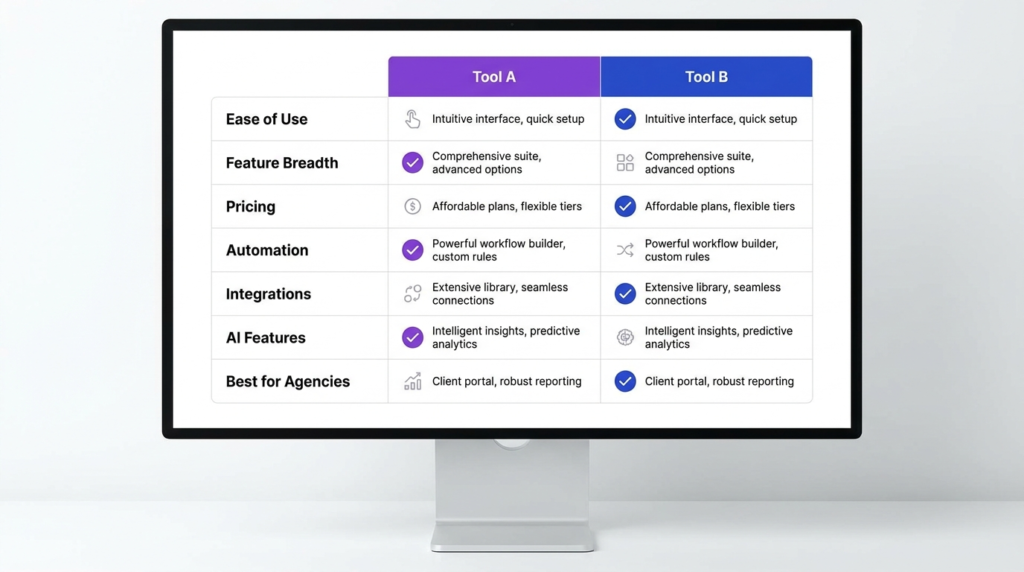
| Category | Winner | Why |
|---|---|---|
| Ease of Use | Asana | Faster onboarding, less configuration required |
| Feature Breadth | ClickUp | Docs, Chat, Clip, Whiteboards, Mind Maps — all native |
| Pricing | ClickUp | $7/seat vs $10.99/seat at entry paid tier |
| Automation | Asana | Unlimited automations on Starter; ClickUp’s 5K/mo starts at Business |
| Integrations | Asana | Deeper native library; ClickUp’s 1,000+ includes third-party tools |
| AI Features | ClickUp | Transparent AI pricing; Brain AI at $9/seat as a separate plan |
| Best for Agencies | ClickUp | Greater customization depth for diverse client workflows |
| Best for Enterprise | Asana | Stronger native integrations with Salesforce, Tableau, Power BI |
Pricing verified from clickup.com and asana.com, May 2026.
Ease of Use: ClickUp vs Asana — Winner: Asana
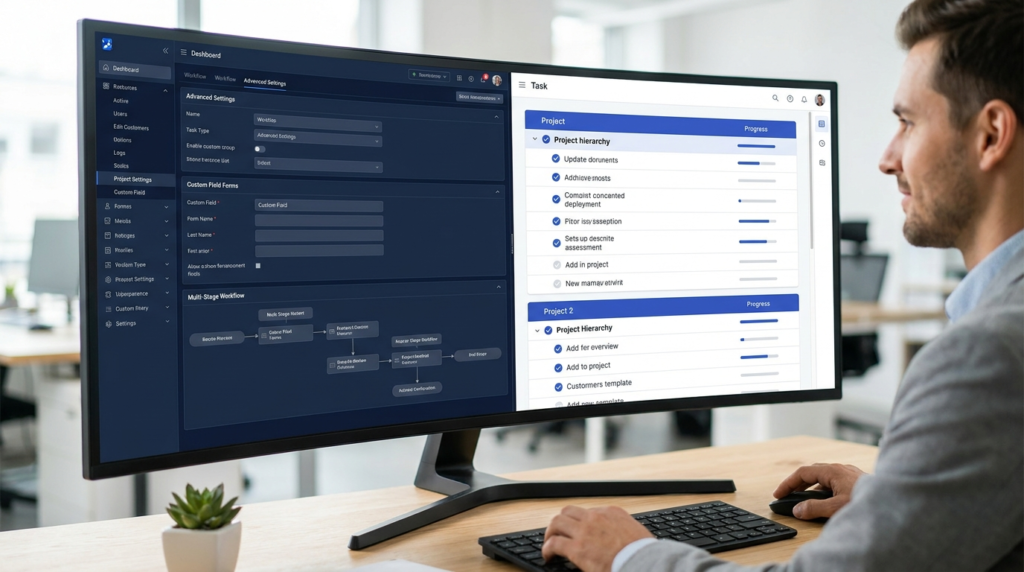
This isn’t a close call. Asana is faster to set up, easier to onboard, and more immediately usable for teams without a dedicated PM tool admin.
The task structure is clear, the project hierarchy makes intuitive sense, and a new team member can be contributing in Asana within an hour of getting access.
ClickUp is a different experience.
ClickUp 4.0 significantly improved navigation — the global sidebar is cleaner, the command palette is faster, and the new Chat product is a genuine upgrade.
But ClickUp’s feature density is still its biggest obstacle for new users.
The number of options at every level — views, custom fields, status types, workflow layers, automations — creates a configuration overhead that teams without an internal champion often never clear.
The tool can do more than almost anything else in this category. The question is whether your team will actually use what it can do.
For solo founders and small service providers — the audience entirely missing from mainstream comparison articles — this gap matters most.
ClickUp’s free plan is more generous than Asana’s Personal plan on features, but Asana’s Personal plan is simpler to use for someone who just needs clean task management without an onboarding ramp.
Winner: Asana — faster onboarding, less configuration, more immediately usable for most team types. ClickUp 4.0 closed some of the gap, but Asana is still the cleaner experience out of the box.
Feature Breadth: ClickUp vs Asana — Winner: ClickUp
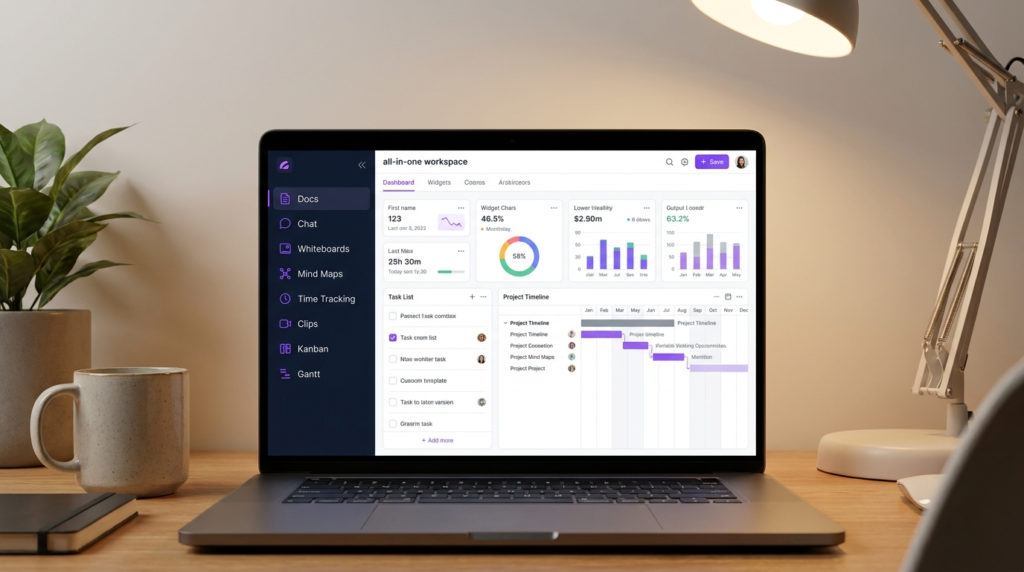
ClickUp’s positioning as the “all-in-one workspace” is actually accurate, in a way that few PM tools can claim. Collaborative Docs and Wikis are native to ClickUp on all plans including Free.
ClickUp Chat — a fully functional team messaging product — is included on Unlimited and above. Clip (in-app screen and video recording) is included on Free. Whiteboards are available on Business.
Mind Maps are on Business. Time tracking is native on Unlimited. Goals and portfolio management are on Unlimited.
Asana deliberately doesn’t try to do all of this. It’s a focused PM tool — tasks, projects, portfolios, automations, integrations.
That’s intentional, and for teams that want a PM tool rather than a platform, Asana’s restraint is a feature, not a limitation.
Asana doesn’t have native docs, native chat, native whiteboards, or native screen recording. It integrates with the tools that do those things.
The practical implication: if your team is currently paying for Notion (docs), Slack (chat), Loom (video), and a separate whiteboard tool — ClickUp can meaningfully consolidate that stack.
If your team already has those tools and isn’t looking to replace them, Asana’s integration-friendly approach fits better.
Winner: ClickUp — more native features per dollar, genuine stack consolidation potential. The qualifier: feature breadth only matters if your team will actually adopt and use the additional tools.
ClickUp’s feature set is an advantage for teams willing to invest in setup; it’s noise for teams that aren’t.
Pricing: ClickUp vs Asana — Winner: ClickUp
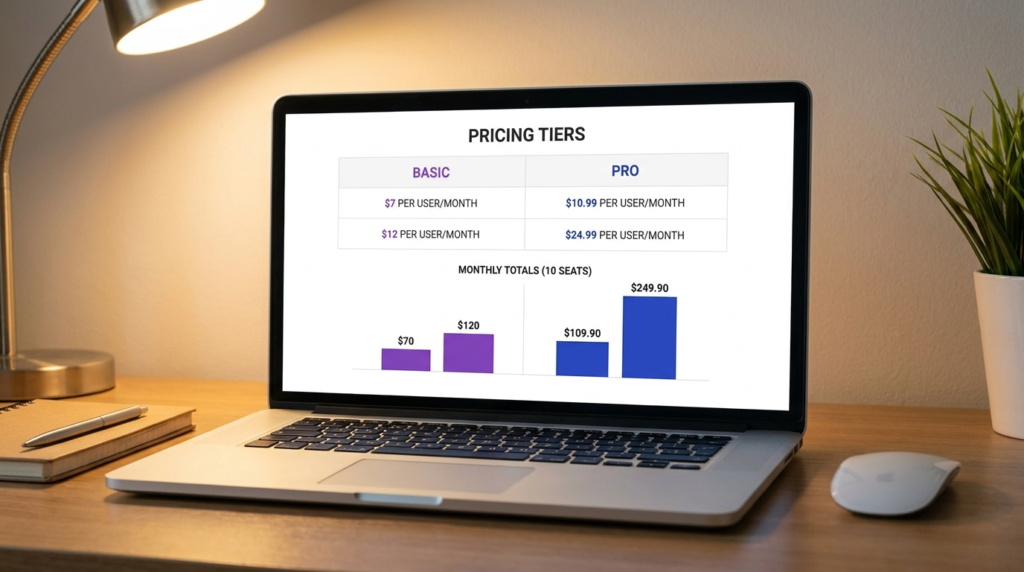
ClickUp is cheaper at every comparable tier, and the gap widens as you move up.
| ClickUp | Asana | |
|---|---|---|
| Entry paid plan | Unlimited: $7/user/mo (annual) | Starter: $10.99/user/mo (annual) |
| Mid tier | Business: $12/user/mo (annual) | Advanced: $24.99/user/mo (annual) |
| Free plan | Yes — unlimited members | Yes — max 2 users |
At 10 seats annual: ClickUp Unlimited runs $70/mo vs Asana Starter at $109.90/mo — a $39.90/mo difference.
At the mid tier, ClickUp Business at $120/mo vs Asana Advanced at $249.90/mo — Asana is more than double.
That gap is hard to ignore at the team level.
The AI pricing comparison is where things get interesting. ClickUp Brain AI is a separate plan track at $9/user/mo annual — it sits alongside the core plans rather than as a checkbox add-on.
Pricing is published, specific, and fixed. Asana AI Studio Basic is included on all paid plans, with AI Studio Plus available at $135/account/mo (not per-seat) for higher credit volumes.
Both approaches are transparent; ClickUp’s is simpler to reason about on a per-seat basis.
For a full breakdown of what’s included in each ClickUp plan, the ClickUp pricing article covers the feature unlocks at every tier in detail.
For a full breakdown of Asana’s plan structure and AI add-on costs, the Asana pricing breakdowncovers every tier and the AI Studio tiers specifically.
Winner: ClickUp — lower per-seat cost at every comparable tier. The AI pricing comparison is more nuanced, but ClickUp’s core plan pricing advantage is significant and consistent.
Automation: ClickUp vs Asana — Winner: Asana
This is the category most comparison articles get wrong — and it’s the one that matters most for marketing teams running high-frequency campaign workflows.
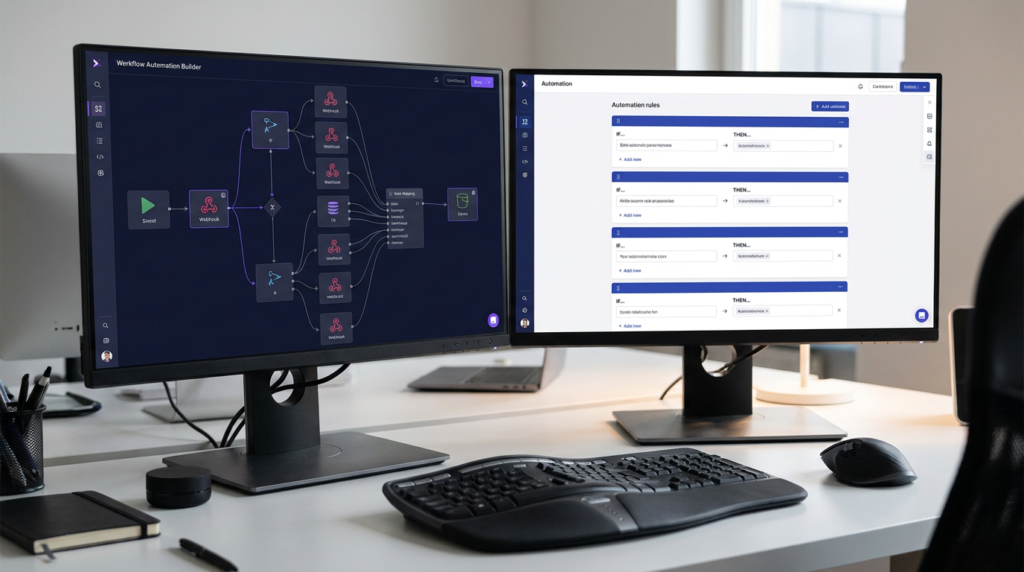
Asana includes unlimited automations on the Starter plan ($10.99/user/mo annual). Status triggers, task assignments, due date updates, form routing, notification rules — all unlimited at the entry paid tier.
For a team of 10 paying $109.90/mo, unlimited automation is part of the deal.
ClickUp’s automation picture requires more care.
The pricing page lists “5K Automations Per Month” as a Business planfeature ($12/user/mo annual) — meaning ClickUp’s published automation count starts at Business, not Unlimited.
For a team that needs substantial automation volume, ClickUp Business at $12/seat is still cheaper than Asana Starter at $10.99/seat per se, but it’s a different plan tier with different capabilities.
The usability dimension cuts the other way.
ClickUp’s automation engine is more powerful — multi-step triggers, conditional logic, webhook automations on Business, and enterprise-scale 250K actions/mo on Enterprise.
But it’s harder to build. Non-technical users can set up Asana automations in minutes from templates.
ClickUp automations often require more configuration thought, especially for complex conditional chains.
Winner: Asana — unlimited automations on the entry paid tier, easier to set up for non-technical teams.
ClickUp has a more powerful engine for teams willing to build complex workflows, but Asana’s automation value at Starter is a genuine structural advantage for most marketing teams.
Integrations: ClickUp vs Asana — Winner: Asana
Both tools connect to the apps that matter — Slack, Google Workspace, Microsoft Teams, HubSpot, Salesforce, GitHub, Jira. At the surface level, integrations aren’t a differentiator.
But the depth and structure of native connections is.
ClickUp advertises “1,000+ tools” on its integrations page — and that’s accurate, but the count includes third-party automation platforms like Zapier, Make, and Integrately that connect ClickUp to hundreds of apps indirectly.
ClickUp’s natively built integrations number roughly 44 specific tools listed on the integrations page, covering time tracking, communication, development, file storage, and CRM (clickup.com).
Asana has a large native integration library with direct connections to every major tool category: Salesforce (bidirectional sync on Advanced), Tableau and Power BI (Advanced), Google Workspace (deep, including Sheets and Forms), Jira (two-way), and a broad set of development and communication tools.
The integrations page lists hundreds of individually built connectors (asana.com).
For teams running enterprise tech stacks — particularly Salesforce, Tableau, or Power BI — Asana’s native integration depth is a meaningful differentiator.
ClickUp connects to these tools through Zapier or third-party bridges, which works but adds a layer of dependency.
Winner: Asana — deeper native integration library, particularly strong for teams embedded in Google Workspace, Salesforce, or enterprise BI tools.
ClickUp’s 1,000+ total connection count is real but conflates native and third-party. For integration depth at enterprise scale, Asana has the edge.
AI Features: ClickUp vs Asana — Winner: ClickUp
The AI pricing transparency angle is real and it matters. Most comparison articles either skip it or get the details wrong.
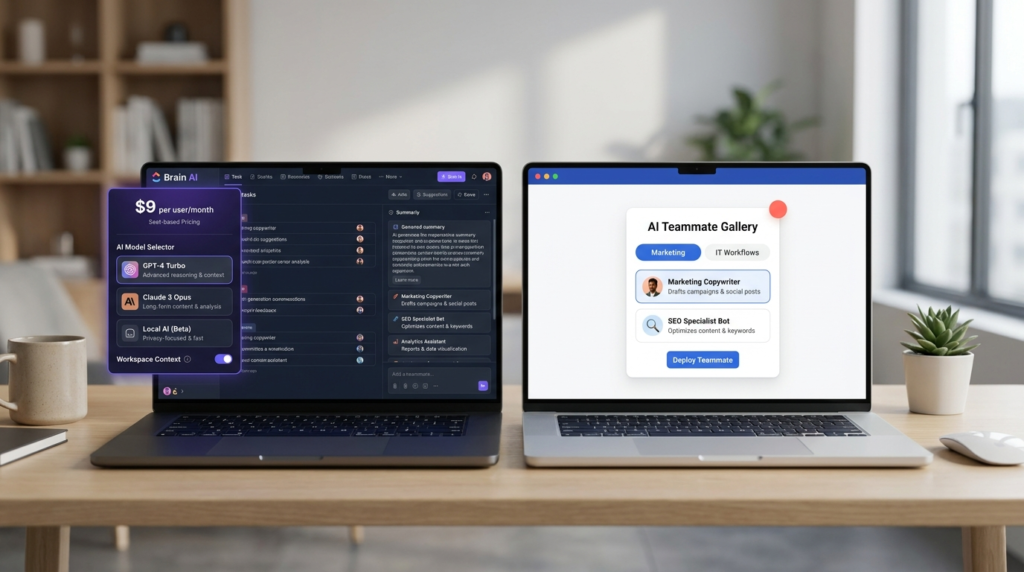
ClickUp Brain AI is a separate plan at $9/user/mo annual — not an add-on you toggle on inside Unlimited or Business.
It’s a standalone AI plan that includes unlimited Brain conversations (conversations don’t use credits), unlimited AI writing, access to all major AI models (ChatGPT, Claude, Gemini) with full workspace context, Enterprise Search, and 1,500 AI Super Credits/user/mo for agents, automations, and AI fields.
The $28/user/mo Everything AI plan adds the full agentic suite — notetaker, ambient answers, image generation, unlimited AI automations.
Pricing is published, specific, and per-seat. No opaque credit pools at the plan level (clickup.com).
Asana AI Studio is bundled into all paid plans as AI Studio Basic — 50,000 credits/billing account/mo on Starter, 75,000 on Advanced, 200,000 on Enterprise. It’s included in the per-seat price.
AI Studio Plus is $135/account/mo (not per-seat) for 100,000 credits if you need more. AI Teammates — autonomous agents — are a separate add-on at custom pricing, available on Starter and above.
The credit system is account-level, not seat-level, which actually makes Plus more affordable for teams than a per-seat add-on would be.
But the pricing structure requires more mental accounting than ClickUp’s published per-seat rate (help.asana.com).
Winner: ClickUp — more transparent per-seat AI pricing and a broader published AI feature set at a stated price point. Asana’s AI Studio is deeply embedded in workflow automation, which is a genuine strength.
But ClickUp’s Brain AI pricing clarity and the breadth of what’s accessible at $9/seat give it the edge for buyers trying to budget AI into their tool stack.
Which Is Better for Agencies?
For most agencies, ClickUp vs Asana comes down to client diversity and workflow complexity.
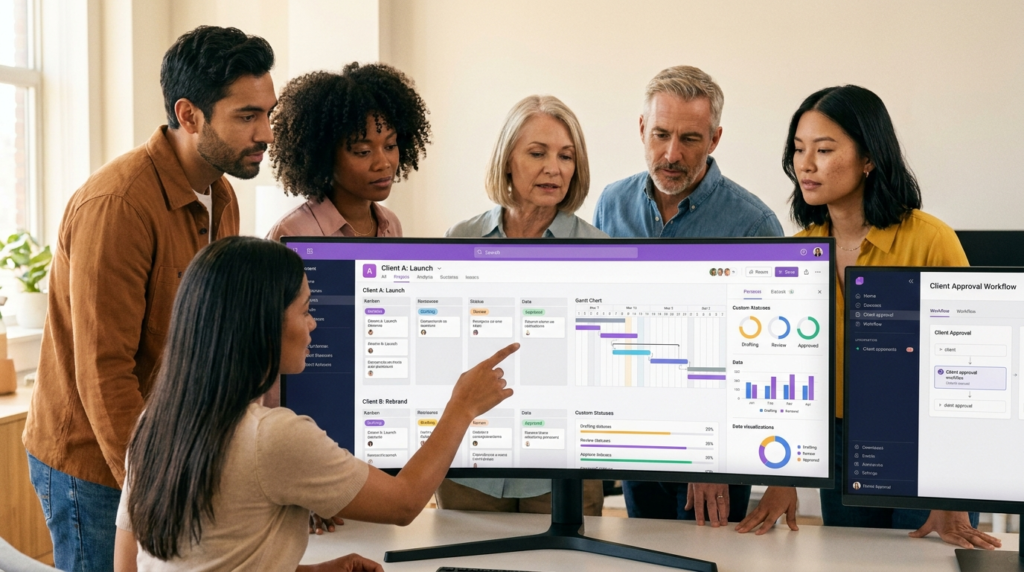
ClickUp wins for agencies managing diverse clients with different workflows. Custom statuses, custom views per Space, Space-level permission controls, and resource management on Unlimited let an agency set up a distinct workflow for every client without cross-contamination.
A retainer client running weekly deliverables can live in a Kanban view with custom status flows.
A project-based client can live in a Gantt with milestone tracking. Both can exist in the same ClickUp workspace without collision.
The template library covers most recurring agency project types, and unlimited guest access on Unlimited means client-facing views don’t inflate the seat count.
Asana wins for agencies where client onboarding speed and clean UX matter more than customization depth.Asana’s approval and proofing workflows on the Advanced plan — annotate, route, sign off on creative assets natively — are better implemented than ClickUp’s equivalent.
Gantt views are available on Starter, which matters for agencies managing concurrent campaign timelines at the entry paid tier.
And Asana’s cleaner interface tends to get faster buy-in from clients who are given limited project visibility.
Workload management: Both tools include workload visibility on paid plans — ClickUp from Unlimited, Asana from Advanced.
For agencies managing retainer capacity, ClickUp makes workload available at a lower per-seat cost.
The solo founder / small agency verdict: If you’re a one- or two-person operation, ClickUp’s free plan (unlimited members, Docs, Clip, Kanban) is more generous than Asana’s Personal plan (2-user cap, no timeline, no automations).
For very small operations that haven’t yet committed to a paid plan, ClickUp’s free tier is the better testing ground.
FAQ
Is ClickUp better than Asana?
Depends on the team. ClickUp is better for teams that want an all-in-one workspace, lower per-seat pricing, and deep customization across workflows.
Asana is better for teams that need fast adoption, a clean UX, unlimited automations at the entry paid tier, and strong native integrations with enterprise tools like Salesforce and Tableau.
Neither is universally better — ClickUp wins on breadth and price; Asana wins on usability and integration depth.
Is ClickUp cheaper than Asana?
Yes.
ClickUp Unlimited is $7/user/mo annual vs Asana Starter at $10.99/user/mo annual. At the mid tier, ClickUp Business is $12/user/mo vs Asana Advanced at $24.99/user/mo — Asana Advanced costs more than double.
For a 10-person team on annual billing, ClickUp Unlimited saves $39.90/mo vs Asana Starter, and ClickUp Business saves $129.90/mo vs Asana Advanced.
For the full per-tier breakdown, the ClickUp pricing article and the Asana pricing breakdown cover every plan in detail.
Is Asana easier to use than ClickUp?
Yes.
Asana has a faster onboarding curve, a cleaner interface, and less configuration overhead before a team can work productively.
ClickUp 4.0 improved navigation meaningfully, but ClickUp’s feature density is still its biggest usability challenge — new users often spend their first week configuring rather than working.
Asana’s more opinionated structure means less setup time and faster team adoption.
For teams that value simplicity, Asana’s focus is a genuine advantage.
Which is better for agencies, ClickUp or Asana?
ClickUp is the stronger choice for most agencies.
Custom statuses and views per client, resource management on Unlimited, and a more flexible workspace structure let agencies build distinct workflows for different clients in the same tool.
Asana works well for smaller agencies where client onboarding speed and approval workflows matter more than customization.
For the full agency tool landscape including Teamwork — which adds client billing and retainer tracking that neither ClickUp nor Asana handles natively — my full marketing project management software comparison covers the broader field.
What is the main difference between ClickUp and Asana?
The core difference is platform philosophy.
ClickUp wants to replace your entire tool stack — it has docs, chat, screen recording, whiteboards, mind maps, time tracking, and goals all native.
Asana wants to be the best PM tool in your stack and integrate cleanly with everything else.
In practice: ClickUp is better for teams consolidating tools and managing diverse workflows.
Asana is better for teams that already have their stack and need a focused, reliable PM layer that connects to everything cleanly.
Bottom Line
For teams that need a flexible, feature-rich workspace at the lowest per-seat cost — ClickUp is the stronger pick.
The pricing advantage is real, the feature depth is genuine, and the AI pricing transparency at $9/seat is a meaningful benefit for teams trying to budget their AI stack.
The trade-off is setup time and learning curve — ClickUp doesn’t deliver on its potential without someone willing to own the configuration.
For teams that need fast adoption, unlimited automations from day one, and enterprise-grade integration depth — Asana is the better investment.
The higher per-seat cost is the honest trade-off for a cleaner UX, unlimited workflow rules on Starter, and native connections to Salesforce, Tableau, and the broader enterprise stack.
For readers ready to run the numbers: the ClickUp pricing article covers every plan, AI tier, and feature unlock in detail.
The Asana pricing breakdown covers every plan, the AI Studio structure, and the Timesheets add-on that agencies often need to budget separately.
Sources
- ClickUp Pricing — verified May 2026
- ClickUp Brain AI — verified May 2026
- ClickUp Integrations — verified May 2026
- Asana Pricing — verified May 2026
- Asana Apps and Integrations — verified May 2026
- Asana AI Studio Pricing — verified May 2026

Recent Posts
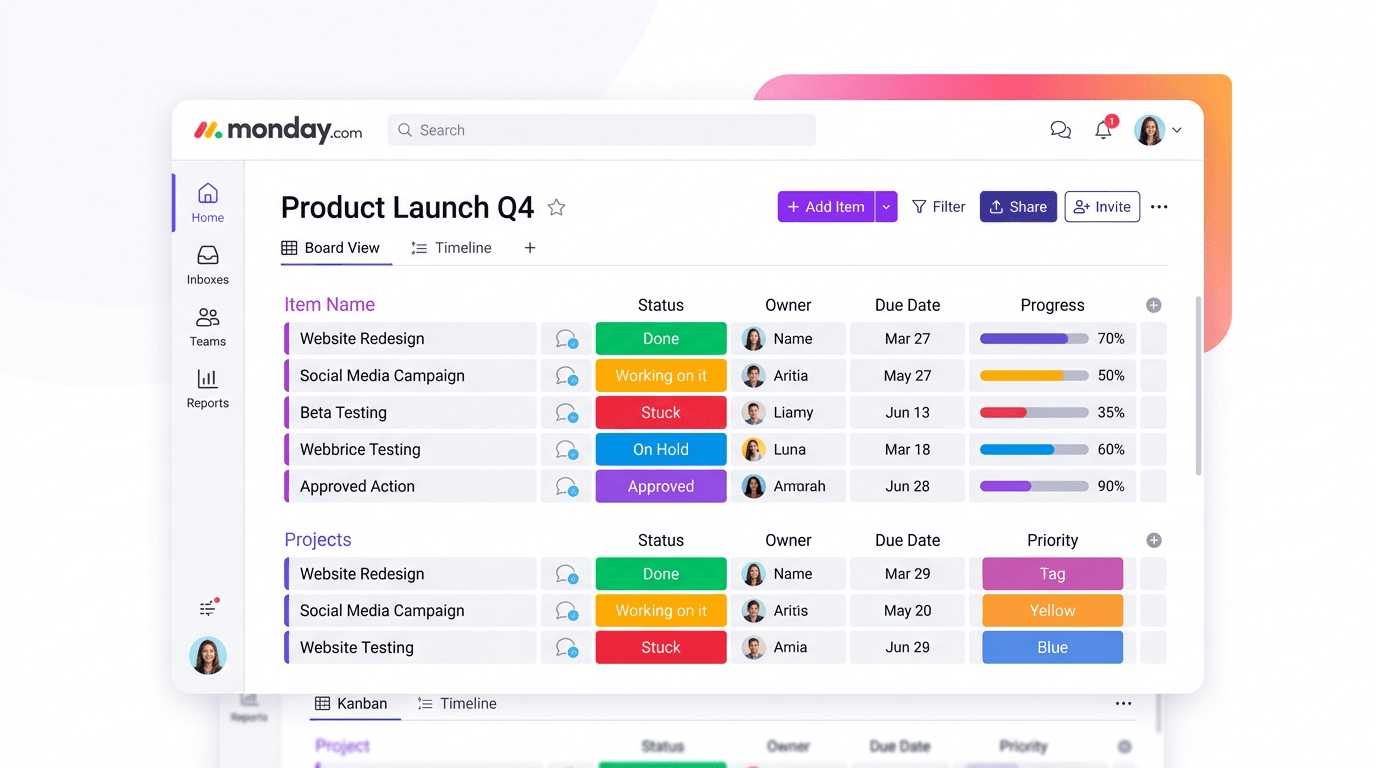
Monday.com Review 2026: Is It Still the Best Work OS?
I tested Monday.com against ClickUp, Asana, and Wr...
Updated July 27, 2026

AI Writing Software for Blogging in 2026: Best Tools + How to Stay AI-Search Vis...
The best AI writing software for blogging in 2026 ...
Updated July 20, 2026
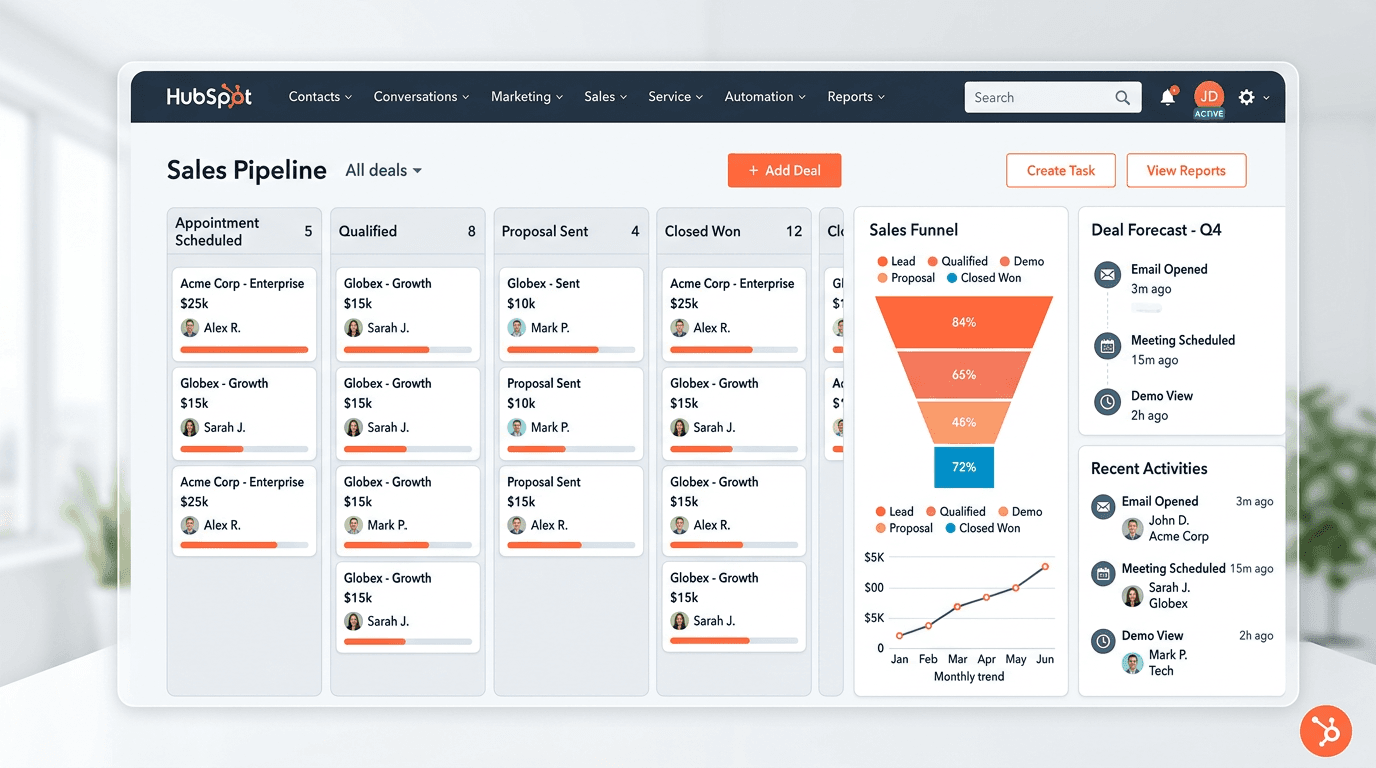
HubSpot Review 2026: Is It Worth the Cost?
I tested HubSpot’s free CRM, Starter, and Pr...
Updated July 20, 2026
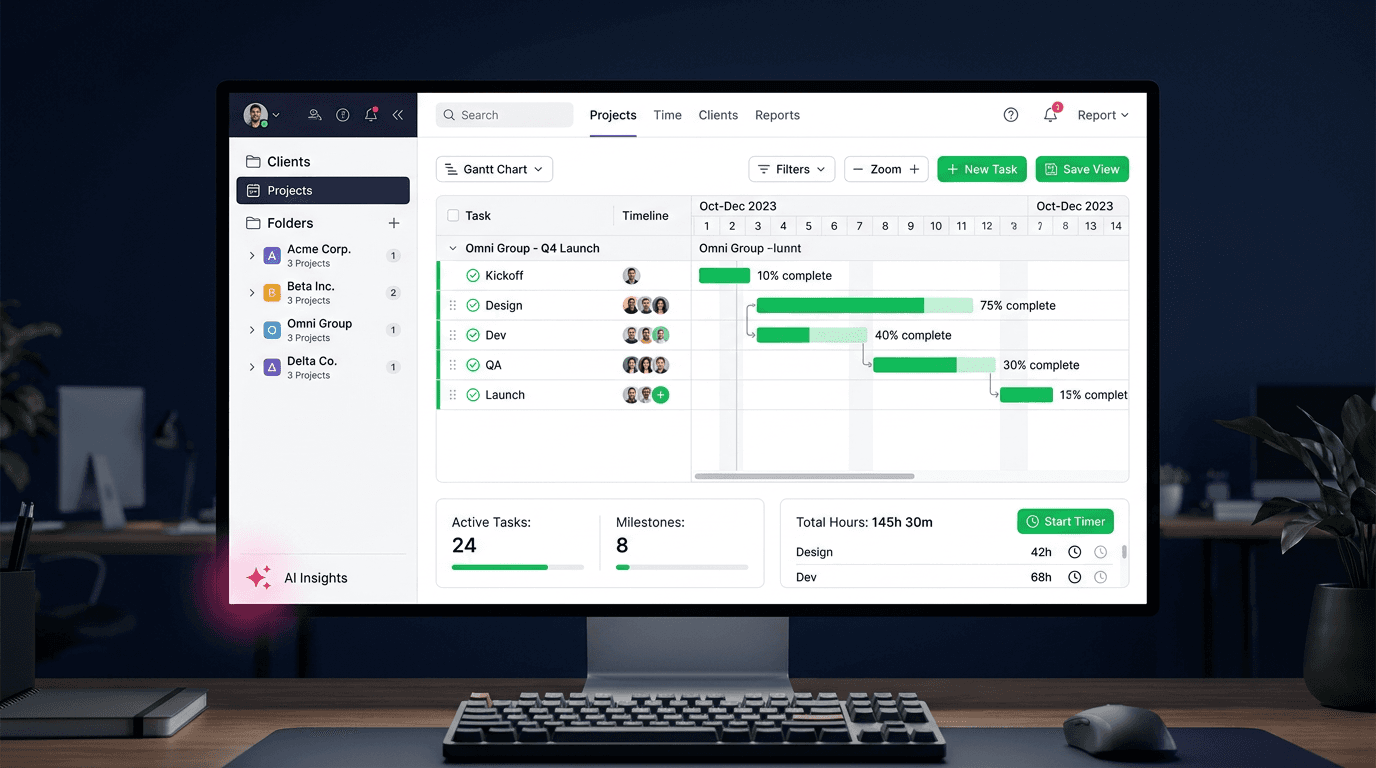
Teamwork.com Review 2026: Is It the Best PM Tool for Client Work?
I tested Teamwork.com for agency and client projec...
Updated May 29, 2026
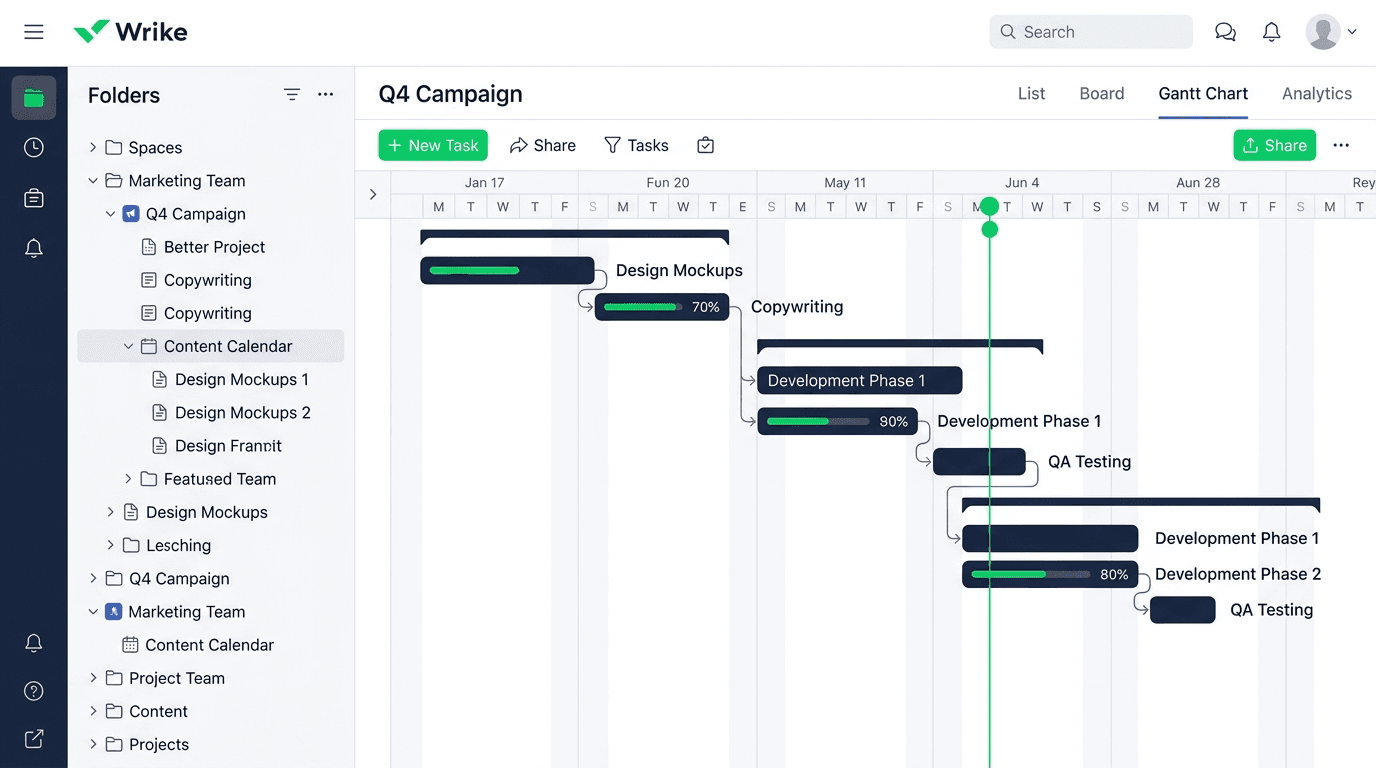
Wrike Review 2026: Is It Worth the Cost?
I tested Wrike in real enterprise workflows. Here&...
Updated May 29, 2026
Asana Review 2026: Is It Worth It? (Honest, In-Depth Analysis)
I tested Asana across real team workflows. Here...
Updated May 29, 2026
Newsletter
Don't miss a thing!
Sign up to receive daily news